FixYourVPN

WhatsApp and VPNs usually work fine together, but there are a few situations where things go wrong: WhatsApp refuses to connect because it doesn't like your VPN's IP address, calls drop or won't start, or WhatsApp is blocked in the country you're in. The fix depends on which of these you're dealing with, and our guide goes through each one. Most fixes here are VPN-level changes that apply whether you're using the WhatsApp mobile app or WhatsApp Web: where a fix is specific to one or the other, we say so.
Switch to a different VPN server
If WhatsApp won't connect or messages are failing to send, WhatsApp has almost certainly flagged the IP address your VPN is using. WhatsApp keeps a list of IP addresses it has seen coming from VPN servers, and when yours is on that list, it refuses the connection. This isn't a problem with your VPN itself: it's WhatsApp being cautious about where the connection is coming from.
Open your VPN app and switch to a different server in the same country. Each server has its own IP address, and most will work fine with WhatsApp. Try two or three before moving on to the other fixes below. If you are connecting from outside a restricted country and just want WhatsApp to work normally, pick a server close to you geographically: a nearby server means lower latency, which makes a noticeable difference to call quality. If your VPN app shows server load, pick one that is less than 50% busy.
Open WhatsApp after your VPN is connected
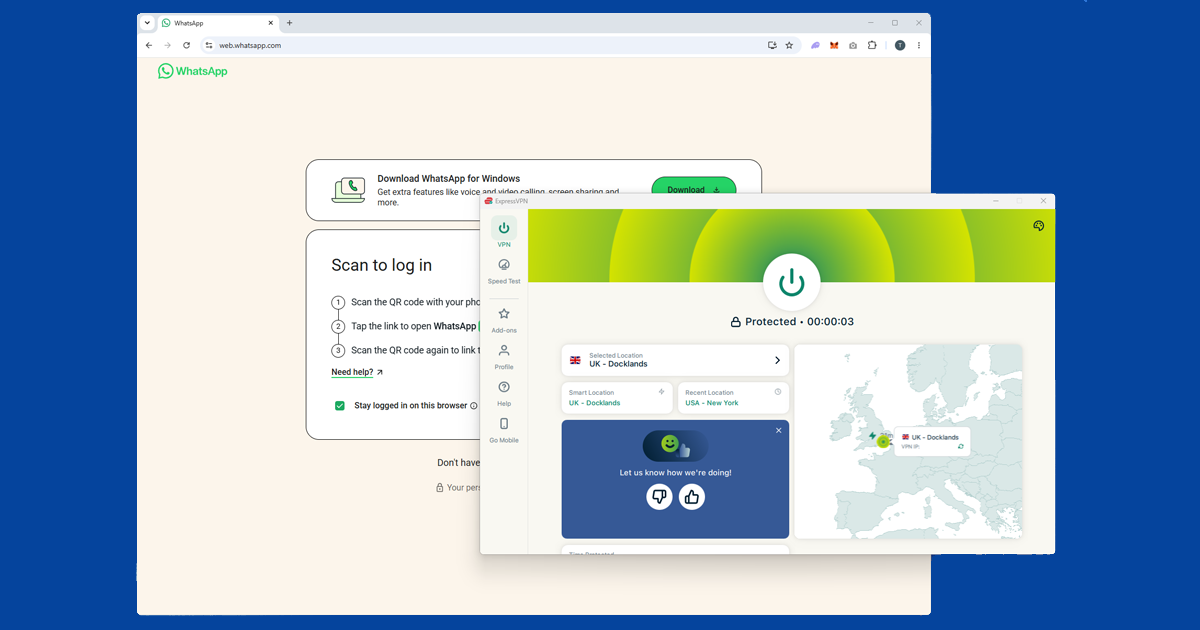
If WhatsApp was already open when you turned on your VPN, it may have already connected using your regular internet before the VPN had a chance to take over.
- Mobile app: Close WhatsApp completely: on iOS, swipe it away in the app switcher; on Android, use the recent apps view. Then connect your VPN and reopen WhatsApp.
- WhatsApp Web: Connect your VPN first, then open web.whatsapp.com in a fresh tab. An existing tab that was open before the VPN connected may have already established a session on your regular internet.
Switch to WireGuard for call failures
If messages are working but voice or video calls are dropping or won't connect, the issue is usually how your VPN is set up rather than the server. WhatsApp calls need a fast, low-delay connection, and some VPN settings handle that kind of real-time traffic poorly.
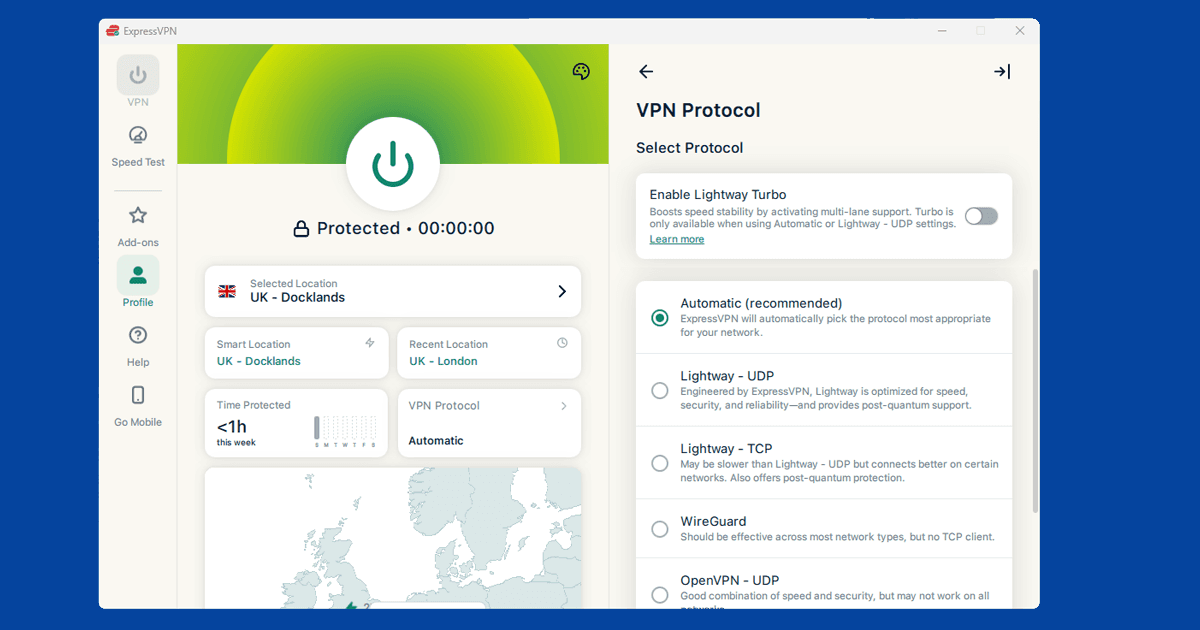
The fix is to switch your VPN connection method to WireGuard. WireGuard is the fastest modern option and handles calls much better than the older alternatives. Open your VPN app's settings and look for a section called Protocol or Connection. Select WireGuard from the list. On NordVPN it's called NordLynx, and on ExpressVPN it's called Lightway: both are the same thing under a different name. Our guide on changing your VPN protocol covers all the major apps.
Enable the Kill Switch
If WhatsApp keeps dropping while you're using it, the cause is usually the VPN briefly disconnecting and reconnecting. Every time that happens, your IP address changes, and WhatsApp treats that as a security signal and cuts the connection.
The fix is to turn on your VPN's kill switch. When the kill switch is on and the VPN drops, your internet pauses completely until it reconnects, rather than falling back to your regular connection. That means your IP address never changes mid-session, and WhatsApp stays stable. On ExpressVPN for desktop, click your profile icon and select Internet Kill Switch to turn it on.
Check your split tunnelling settings
Some VPN apps have a feature called split tunnelling, which lets you choose which apps go through the VPN and which connect to the internet normally. If you have this turned on, check that WhatsApp is in the VPN list rather than the bypass list.
This is a common cause of WhatsApp working on mobile data but not through the VPN: split tunnelling is configured for other apps but WhatsApp ends up on the bypass list. If you use WhatsApp Web, check that your browser isn't set to bypass the VPN rather than looking for WhatsApp in the app list.
If your VPN won't connect at all
If the VPN itself is not connecting, the problem is earlier in the chain. Check that the VPN app is up to date, try switching to WireGuard or OpenVPN in the protocol settings, and if you are on hotel or workplace wi-fi, try TCP mode on port 443. See our guide on changing your VPN protocol for a full walkthrough.
If nothing here works, the most reliable option is a VPN that actively maintains servers for restricted regions. NordVPN and ExpressVPN both update their servers regularly to stay ahead of blocks.
What can I use WhatsApp for with a VPN?
The main uses are accessing WhatsApp in countries where calls are blocked (the UAE is the most common example for visitors) and accessing WhatsApp itself in countries where the app is blocked outright (China). Outside of those situations, a VPN is not required to use WhatsApp: it is useful for travel to restricted countries, or for keeping your traffic private on public wi-fi.
WhatsApp Web works the same way. With a VPN running in your browser, you can access web.whatsapp.com from countries where WhatsApp is blocked. WhatsApp now operates as a fully linked device, meaning WhatsApp Web works independently and does not need your phone to be on the same network or connected at the same time. In countries that use basic IP blocking, a browser extension covering that tab is enough. In countries where WhatsApp is blocked more aggressively (China, Iran), a full VPN app is more reliable than a browser extension alone.
WhatsApp uses end-to-end encryption regardless of whether a VPN is running. A VPN does not affect the security of your messages: what it does is hide the fact that you are using WhatsApp from the network you are on, which matters on restricted networks and in censored countries.