 FixYourVPN
Fix Your VPN
Free, independent guides for Netflix, BBC iPlayer, Disney+, and 100+ streaming services
- Expert tips
- Tried and tested
- Beginner-friendly
Browse Guides by Service
Choose a streaming service below. Each guide walks you through the fixes that work for that service, starting with the ones most likely to sort it quickly.




Try These Common VPN Fixes
Most VPN issues with streaming services come down to a handful of common causes. Work through these steps before anything else; they sort out most problems in under five minutes, and you won't need any technical knowledge to follow them.
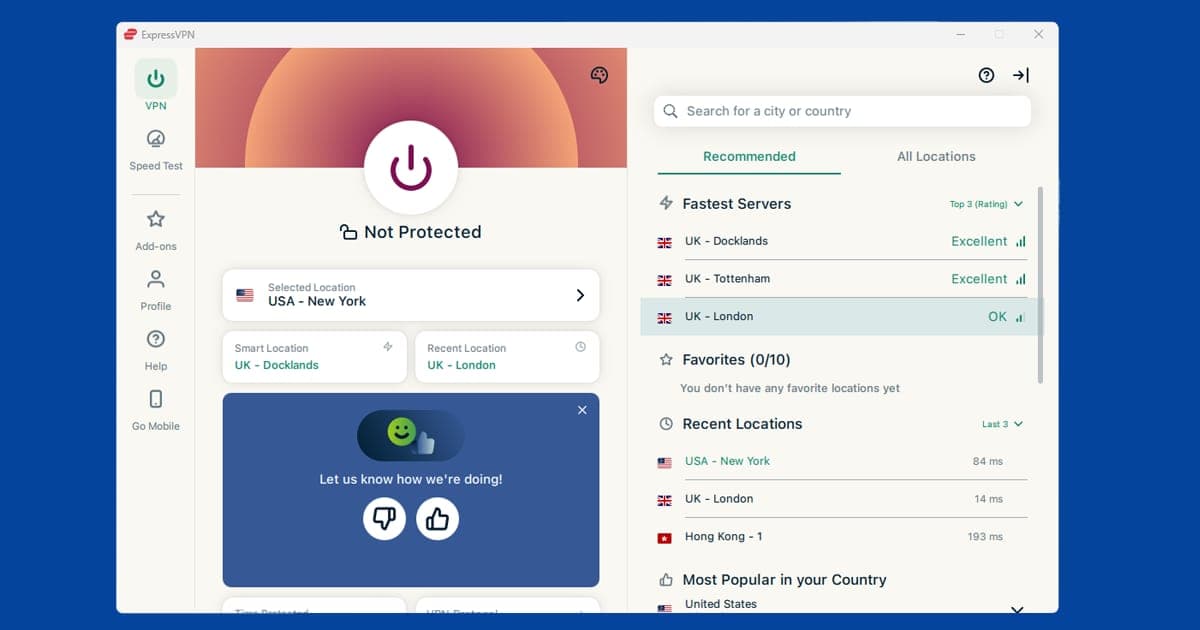
Try a Different Server
The server you're connected to may have been blocked by the streaming service. Open your VPN app and pick a different server in the same country. It usually fixes things straight away.
Read more about:Clear Your Cache and Cookies
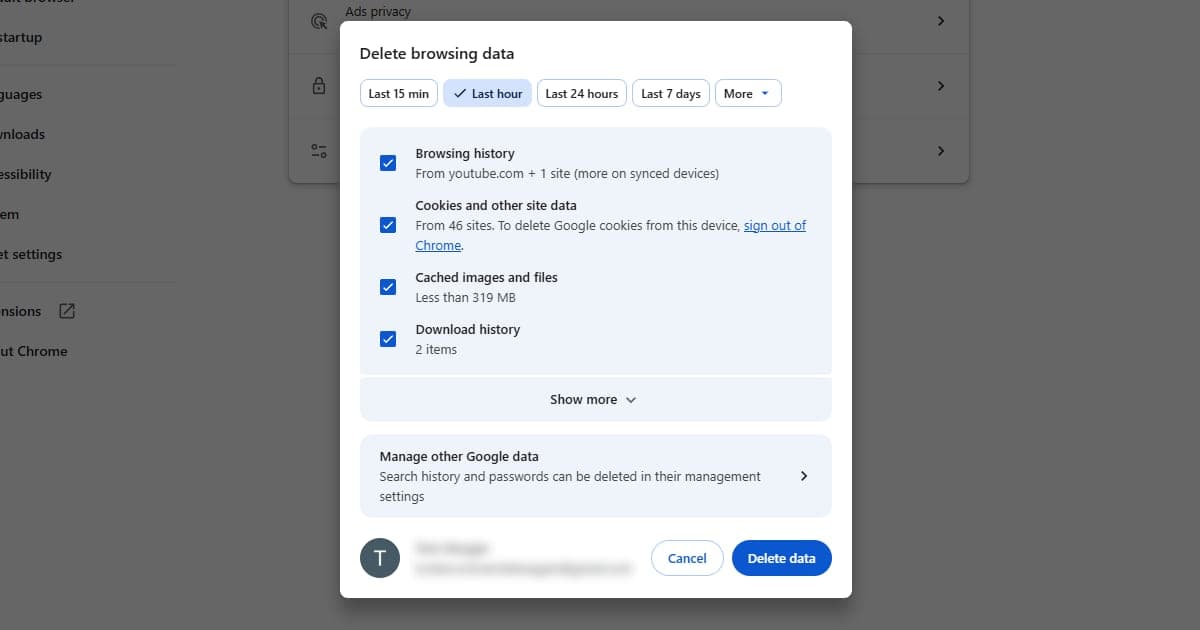
Your browser holds on to info from your last visit, including location data. Clearing your cache and cookies wipes that stored info so the service sees you fresh. Do this before reconnecting your VPN.
Read more about:Change How Your VPN Connects
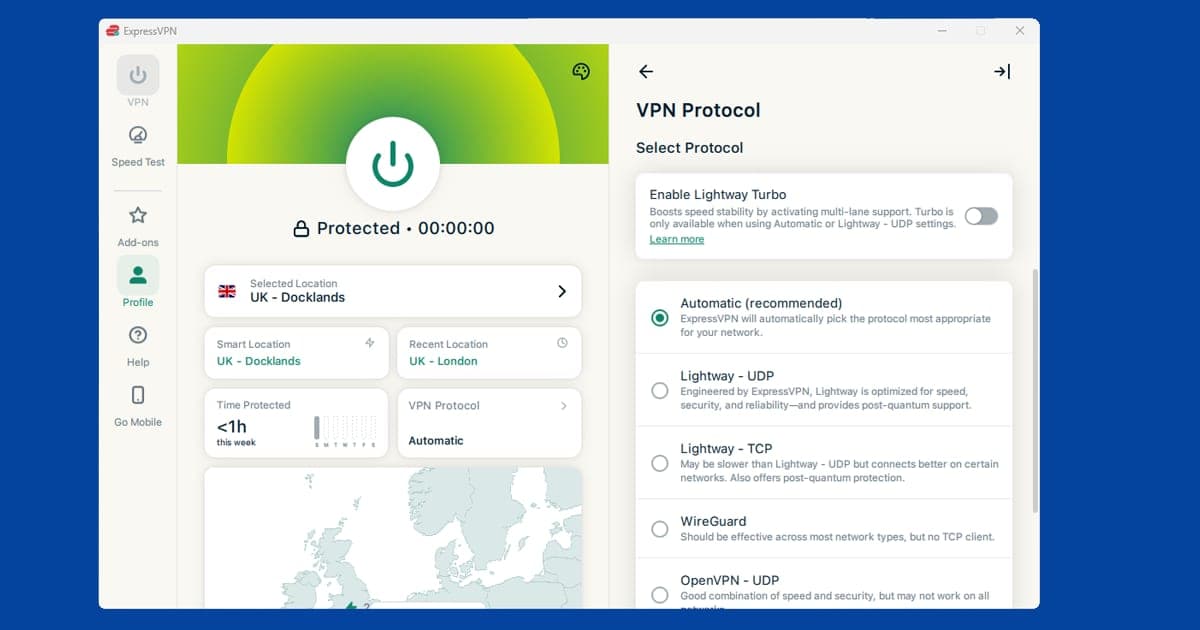
Your VPN has a few different ways of connecting to the internet. Some are more easily blocked than others. Open your VPN app's settings, find the Protocol option, and try switching to a different one.
Read more about:Turn On Your Kill Switch
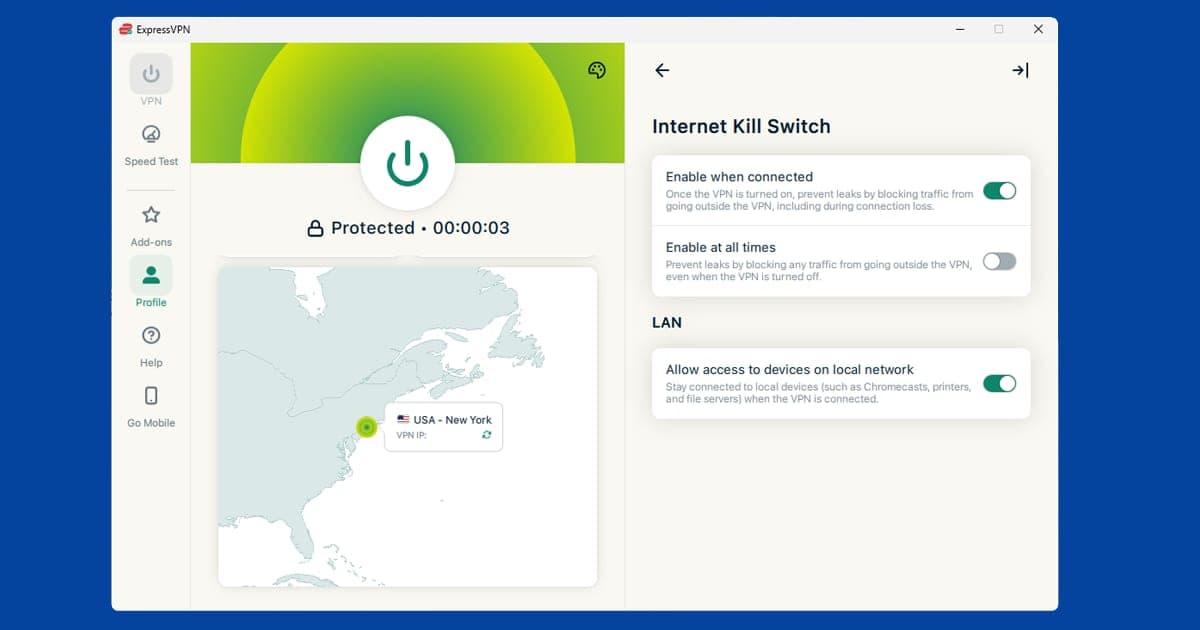
If your VPN briefly disconnects, your real location can show through for a split second. That's enough for some services to detect you. A kill switch pauses your internet the moment the VPN drops, so nothing gets out. Look for it in your VPN app's settings.
Read more about:Use the App, Not a Browser
Streaming services are better at detecting VPNs in a web browser than in their own apps. If it's not working in Chrome or Safari, try the streaming service's own app instead.
Read more about:Check for Hidden Location Leaks
Sometimes your device quietly sends your location outside your VPN without you realising. This is called a DNS leak. Most VPN apps have a one-click fix for it under their Privacy or Advanced settings.
Read more about:
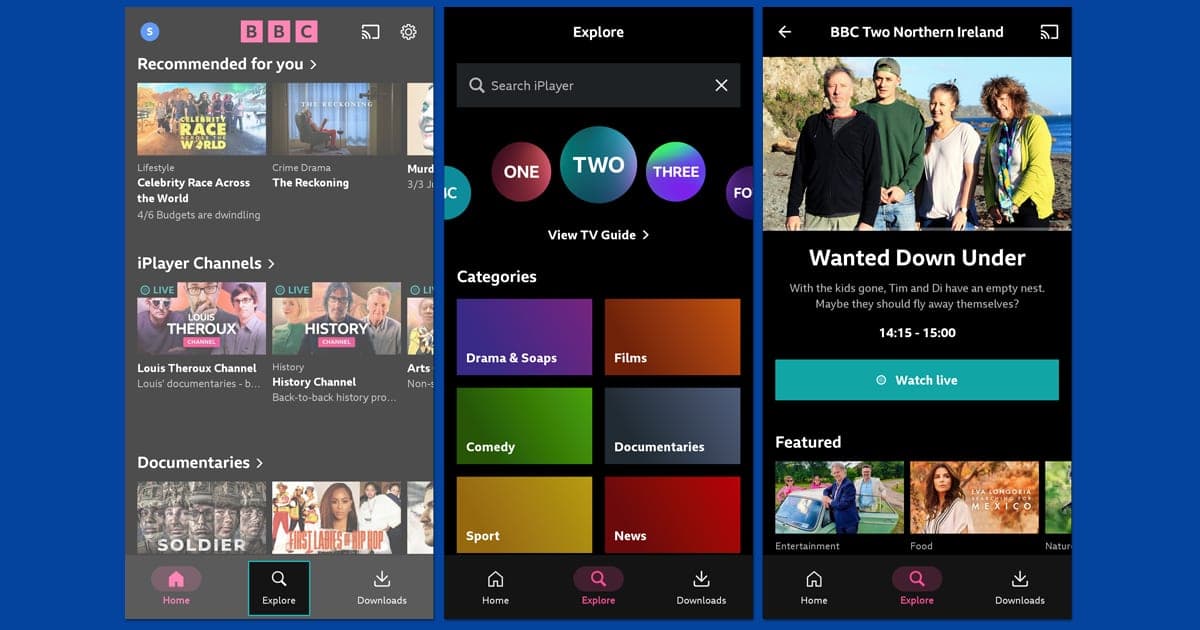
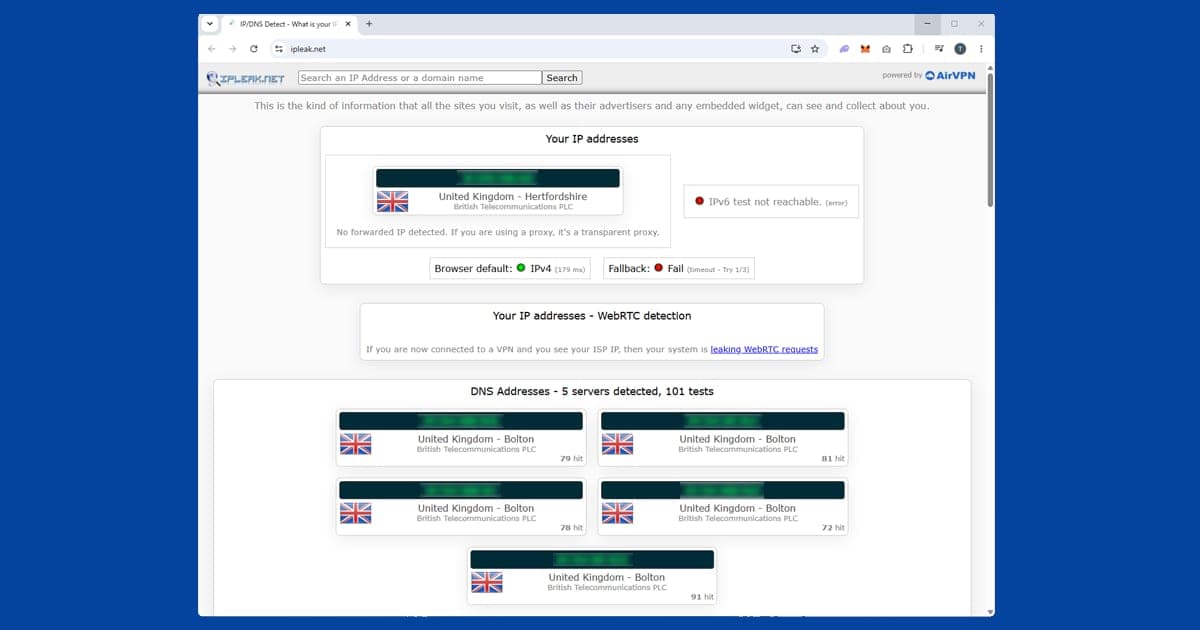
If you've tried all of these and your VPN is still being blocked, the problem is most likely the VPN itself. Some providers, particularly free ones, can't disguise that your traffic is coming from a VPN server, and streaming services have got good at spotting them.
Our favourite VPNs, tried and tested
Not all VPNs are equal for streaming. These are the providers we recommend based on our own testing, ranked by overall performance, reliability, and value.
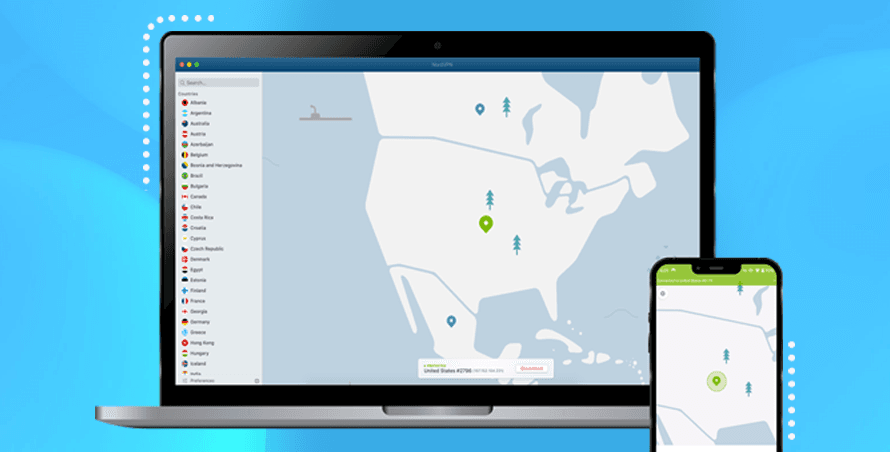
 NordVPN (Our Top Pick)
Excellent for streaming
Starting from £2.59/mo
The most consistent VPN we've tested across BBC iPlayer, Netflix, Disney+, and the harder UK services. Reliable, fast, and works on up to ten devices at once.
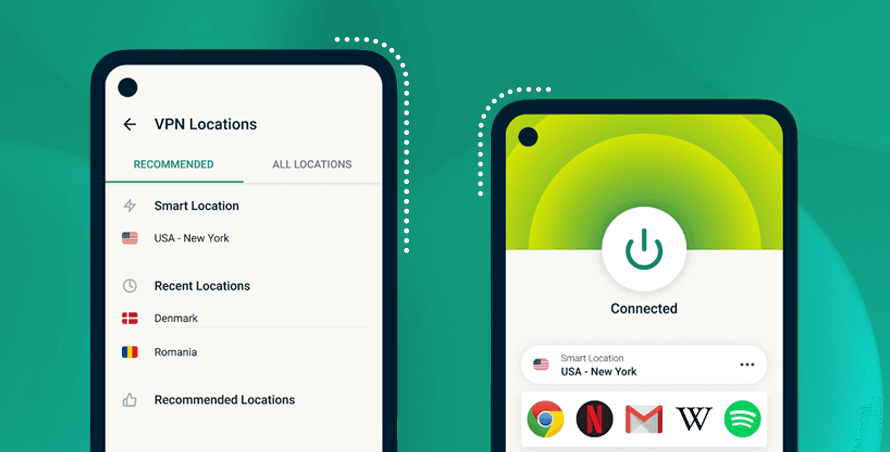
 ExpressVPN
Fastest speeds we've tested
Starting from £2.19/mo
The fastest VPN in our tests by a consistent margin, and competitively priced. A strong choice if speed, picture quality, or smart TV streaming matters to you.
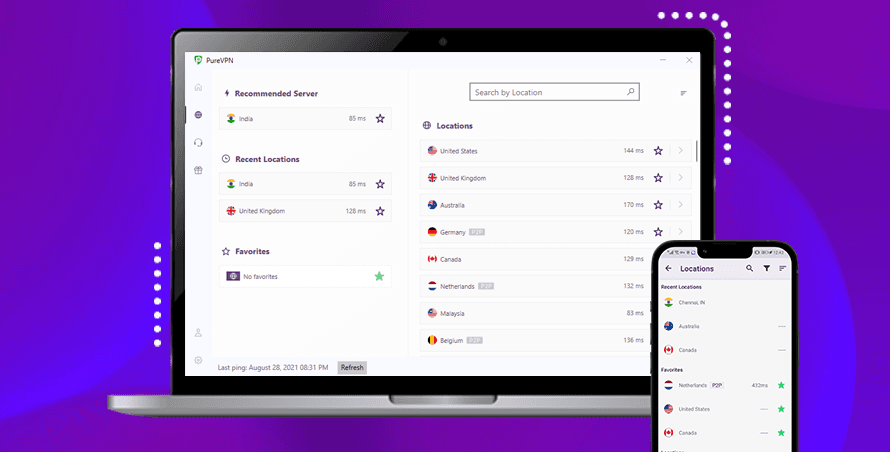
 PureVPN
Best value for money
Starting from $2.15/mo
The most affordable of our three picks. Still unblocks all the major streaming services, and the price makes it a sensible starting point if you're new to VPNs.
Wondering how we choose our recommendations? Read our How We Test VPNs guide
This section may contain affiliate links. See our disclosure.
Popular Guides

Netflix VPN Not Working? 7 Fixes That Actually Work
Whether it's a proxy error, blocked servers, or a DNS leak, here are seven fixes for Netflix that actually work, plus which library is worth switching to
Streaming
BBC iPlayer VPN Still Not Working? 8 Fixes That Work
iPlayer checks your IP, DNS, WebRTC, and account postcode together, so if you're still blocked after switching servers, here are all 8 fixes, tested
Streaming
Disney+ VPN Not Working? How to Get Back In (2026)
Disney+ blocks access for two different reasons that look identical on the surface, and knowing which one you have points you straight to the right fix
Streaming
Spotify VPN Not Working? Quick Fixes That Work
Spotify blocks VPNs in three distinct situations: country restrictions, account region conflicts, and school or work networks, each with a different fix
Apps
Discord VPN Not Working? 6 Fixes for Blocks, Lag and Errors
Whether Discord's blocked at school, stuck on RTC Connecting, or voice calls are choppy with your VPN on, here's how to tell which problem you've got
Streaming
Channel 4 VPN Not Working? 6 Fixes That Actually Work
Channel 4 is UK-only and actively blocks VPN connections, but these six fixes get most people back watching within minutes