FixYourVPN
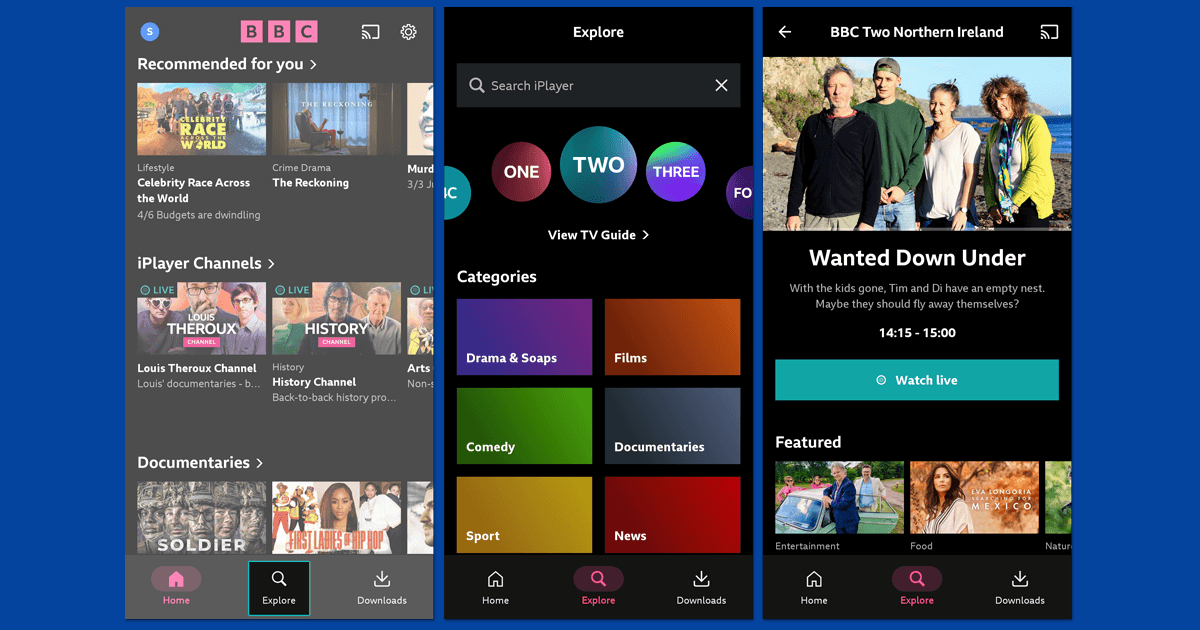
If your VPN is running but the streaming service is still blocking you, switching from a browser to the service's own app often fixes it without changing anything else. Browsers give streaming services more ways to detect your real location than native apps do. The same VPN that gets blocked in Chrome can work straight away in the Netflix or iPlayer app.
Why browsers are harder to use with a VPN
When you watch in a browser, the streaming service has access to browser-level information that your VPN can't fully hide. The two main ones are WebRTC (a browser technology that can expose your real IP address) and cached cookies from previous sessions that still carry your old location. Native apps don't use these browser technologies, so there's less for the service to work with.
Switching to the streaming service's own app moves everything to the system level, where your VPN covers all traffic cleanly. This is why the same VPN that fails in a browser will often work straight away in the app.
What WebRTC is and why it causes problems
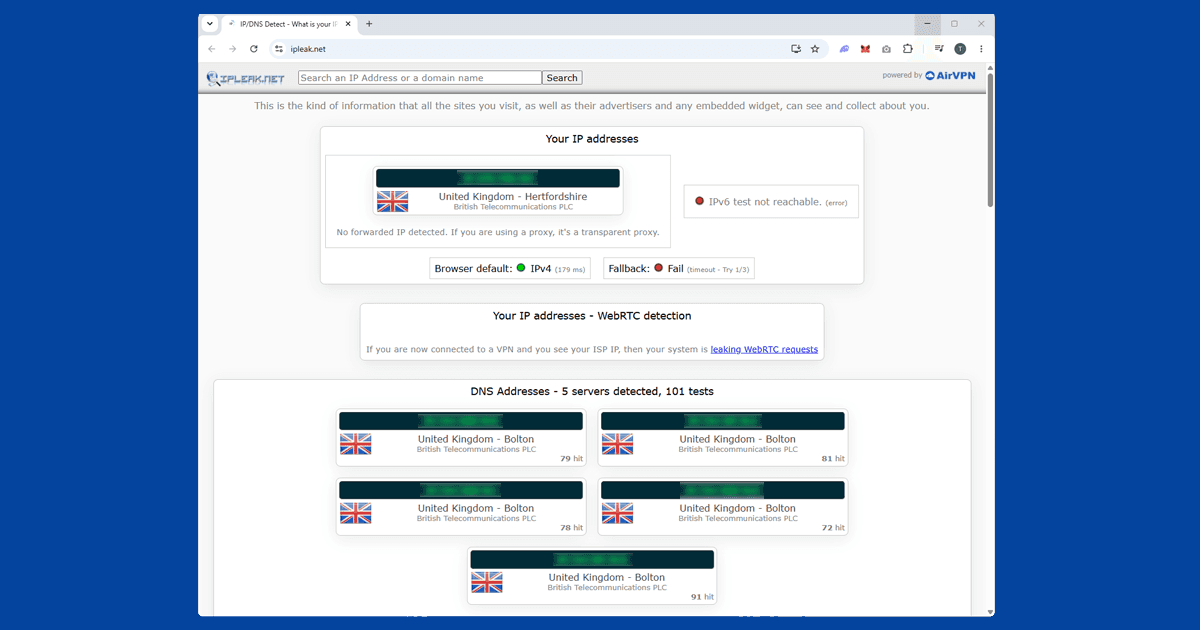
WebRTC is a technology built into Chrome, Firefox, and Edge that powers real-time features like video calls directly in the browser. It can also expose your real IP address to websites even when your VPN is active, because it operates at the browser level rather than going through the VPN tunnel.
Some streaming services check for this. If a service is blocking you despite your VPN showing a connection in the right country, WebRTC leaking your real location is a possible cause, particularly on geo-restricted services like BBC iPlayer.
Switching to the app sidesteps this entirely. If you need to stay in the browser, you can disable WebRTC in Firefox by going to about:config and setting media.peerconnection.enabled to false, or install a WebRTC-blocking extension in Chrome. Safari has stricter privacy controls around WebRTC than most other browsers and is less likely to leak your real IP this way.
Check you're using the full VPN app, not a browser extension
When people switch to the streaming app, a common issue is still running only a browser VPN extension rather than the full VPN application.
Browser extensions only protect traffic inside that browser. They don't cover standalone apps at all. The Netflix app, the iPlayer app, the Sky Go app: none of them are covered by a browser extension. For your VPN to protect a streaming app, you need the full VPN application installed on your device and connected before you open the streaming app.
If you've only been using a browser extension, download the full VPN app from your provider's website. NordVPN, ExpressVPN, and PureVPN all have apps for Windows, macOS, iOS, and Android.
Which streaming services have apps
All the major streaming services have native apps available:
- Netflix: Windows, macOS, iOS, Android, smart TVs, and most streaming sticks
- BBC iPlayer: iOS, Android, Amazon Fire TV, and most smart TVs. No desktop app, but the browser with WebRTC blocked works on Windows and Mac
- Disney+: Windows, macOS, iOS, Android, smart TVs
- ITVX: iOS, Android, Amazon Fire TV, smart TVs
- Now TV: iOS, Android, smart TVs, streaming sticks
- Channel 4: iOS, Android, Amazon Fire TV, smart TVs
- Max: Windows, macOS, iOS, Android, smart TVs
- BritBox: iOS, Android, Amazon Fire TV, Apple TV, smart TVs
- Sky Go: Windows, macOS, iOS, Android
Smart TVs are one area where running a VPN app directly on the TV usually isn't possible, since most smart TV operating systems don't support them. The most reliable workaround is installing your VPN on your router, which covers every device on your home network including the TV.
A VPN that keeps getting blocked in your browser will often work straight away in the streaming app, with no other changes needed.
When the app still doesn't work
If you've switched to the app, confirmed your full VPN app is running, and the service is still blocking you, the server is the most likely issue. Try a different server in the same country. If multiple servers fail, it's worth checking for a DNS leak, which can send your real location outside the VPN tunnel even when everything else looks fine.