FixYourVPN
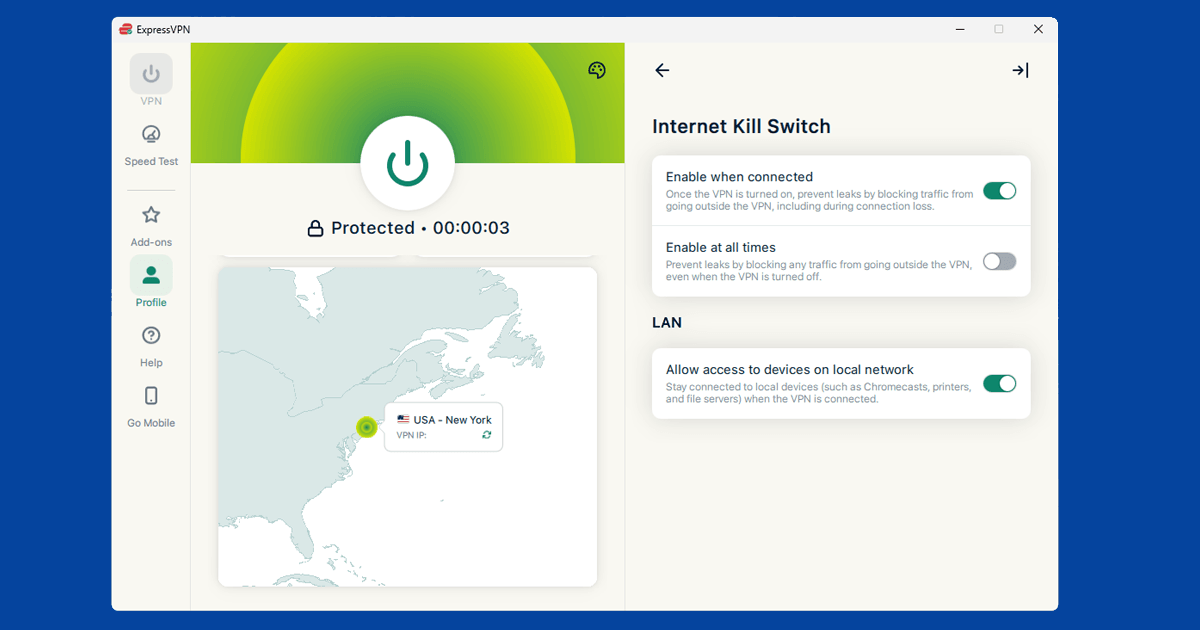
VPN connections don't drop often, but when they do, your real IP address is briefly exposed on your regular internet connection. A kill switch prevents this by cutting your internet the instant the VPN disconnects, then restoring it automatically once the VPN reconnects. For streaming it means no mid-session detection. For privacy it means no gaps. It's usually a single toggle in your VPN app's settings.
What a kill switch does
When your VPN drops, without a kill switch your device falls back to your regular unprotected connection. This happens silently, often for just a few seconds before the VPN reconnects. During that window, your real IP is visible. Some streaming services check IP addresses during a session, not just at the start, so even a brief slip can trigger a block. A kill switch closes that window entirely.
Why VPN connections drop
VPN connections aren't perfectly stable. They can drop for a number of reasons:
- Your device switches from wi-fi to mobile data (or between different wi-fi networks)
- Your router or modem briefly loses its internet connection
- The VPN server you're connected to becomes overloaded or restarts
- Your device wakes from sleep and the VPN connection hasn't re-established yet
- A firewall or network setting interrupts the VPN connection
Most of these drop-and-reconnect cycles happen in seconds and you'll never notice them, unless something like a streaming service logs your real IP in that window. With a kill switch enabled, there's no window for anything to see your real address.
Two types of kill switch
Most VPN apps give you two options:
System-level kill switch: Blocks all internet traffic on the device when the VPN drops. Nothing gets out: no apps, no background processes, nothing. This is the thorough option and usually the right one.
App-level kill switch: Lets you choose specific apps that get cut off when the VPN drops, while everything else stays connected. Useful if you want certain apps (a download manager, for example) to only ever run through the VPN, while your browser can still work if the VPN drops. More flexible, but less complete.
If streaming is your main reason for using a VPN, go with the system-level option. You want the streaming service's connection to drop entirely if the VPN goes down, not carry on with your real IP.
How to enable the kill switch
NordVPN: Settings > Kill Switch. There are two toggles: one for the internet kill switch (system-level) and one for the app kill switch. Enable the internet kill switch for full protection. The app kill switch lets you specify which apps to block if the VPN drops.
ExpressVPN: Preferences > General > Network Lock. That's ExpressVPN's term for the kill switch. Toggle it on. ExpressVPN's version is system-level only, with no per-app option.
PureVPN: Look in Settings for an Internet Kill Switch or Internet Security section. Toggle it on. PureVPN also has split tunnelling in the same area if you want to control which apps use the VPN.
On mobile: Android has a built-in "Always-on VPN" option that works similarly to a kill switch. The path varies by device and Android version, but it's generally in Settings > Network & internet > VPN, then tap the settings icon beside your VPN. On iOS, this option requires device management configuration and isn't available as a simple toggle. Most VPN apps on both platforms have their own kill switch setting that's simpler to use than the system option.
The kill switch is invisible when everything's working. You'll only notice it if the VPN drops, and even then it just means a brief pause until the connection comes back.
Does the kill switch affect streaming performance?
No. When the VPN is connected and stable, the kill switch does nothing. It sits quietly in the background and only fires if the VPN drops. With a reliable provider and a decent home connection, that rarely happens. You're unlikely to notice it at all under normal use.
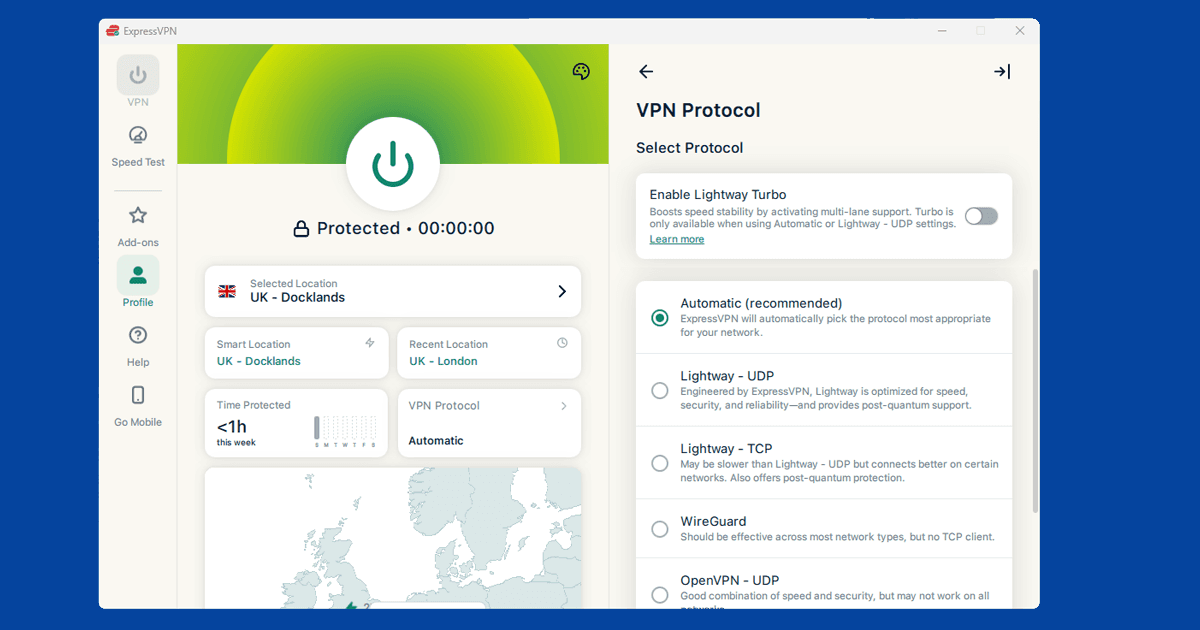
If the kill switch is triggering frequently and cutting your internet, the problem isn't the kill switch; it's that your VPN connection is unstable. Try switching to a different server or protocol. A good VPN on a stable connection should hold its tunnel without dropping.