FixYourVPN

Kayo Sports does something most streaming services don't: it runs two separate location checks at once, looking at both your IP address and your DNS requests. A VPN that only handles one of those will still get blocked. That's why most guides get this wrong, and why enabling DNS leak protection before you connect is the most important step here.
What you need before you start
Kayo Sports is Australia's main dedicated sports streaming platform, home to AFL, NRL, cricket, Formula 1, tennis, rugby union, and more. It's subscription-only with no free tier, and it's only available to viewers with an Australian IP address. To watch from abroad you need two things: an active Kayo account and a VPN connected to an Australian server.
- An active Kayo subscription. If you already have a Kayo account from when you were in Australia, it'll keep working fine while you're away: you just need the VPN to access it. If you're setting up a new account from outside Australia, you'll need an Australian payment method. A prepaid Australian virtual card is one option; asking a friend or family member in Australia to help is another.
- A VPN with Australian servers. It needs to be a full system-level VPN app, not a browser extension: extensions only cover your browser, not the Kayo app itself. The most reliable options for Kayo are NordVPN and ExpressVPN.

Connect to an Australian server
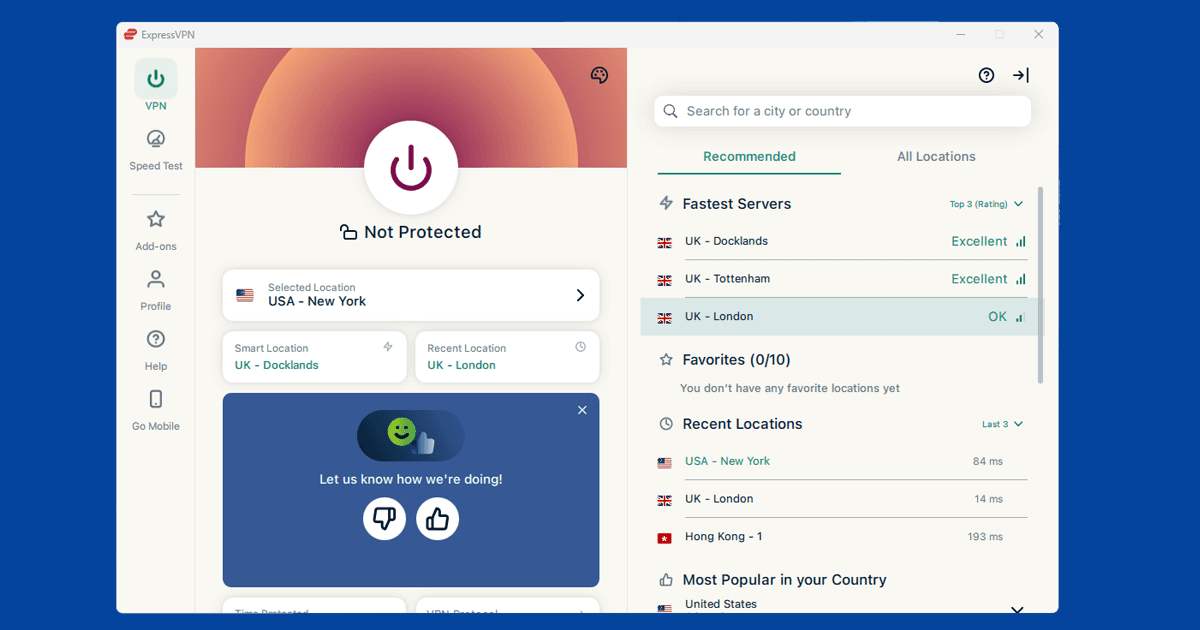
- Enable DNS leak protection in your VPN app before you connect. This is the step most people miss, and it's why Kayo keeps blocking people who already have a VPN running. In NordVPN, open Settings > Connection and turn on DNS leak protection. In ExpressVPN, this is handled automatically when you connect. In PureVPN, open Settings > Internet Security and enable the toggle.
- Connect to an Australian server using WireGuard protocol. Sydney and Melbourne are the best starting points. WireGuard (called NordLynx in NordVPN and Lightway in ExpressVPN) is faster and more stable for live sport than older protocol options.
- Open a private or incognito window. Your browser stores cookies from earlier visits, and those can give away your real location even when your VPN is now showing an Australian address. A private window starts fresh with no stored data.
- Go to kayosports.com.au and sign in. Kayo is a separate service from Foxtel, so Foxtel login details won't work here. Sign in with the email address on your Kayo account.
- If Kayo still blocks you, switch to a different Australian server. Kayo blocks some VPN server IPs and refreshes that list regularly. A different server in Sydney or Melbourne usually has a fresh, unblocked address. See our guide to switching VPN servers for step-by-step instructions.
Check your VPN is showing an Australian location
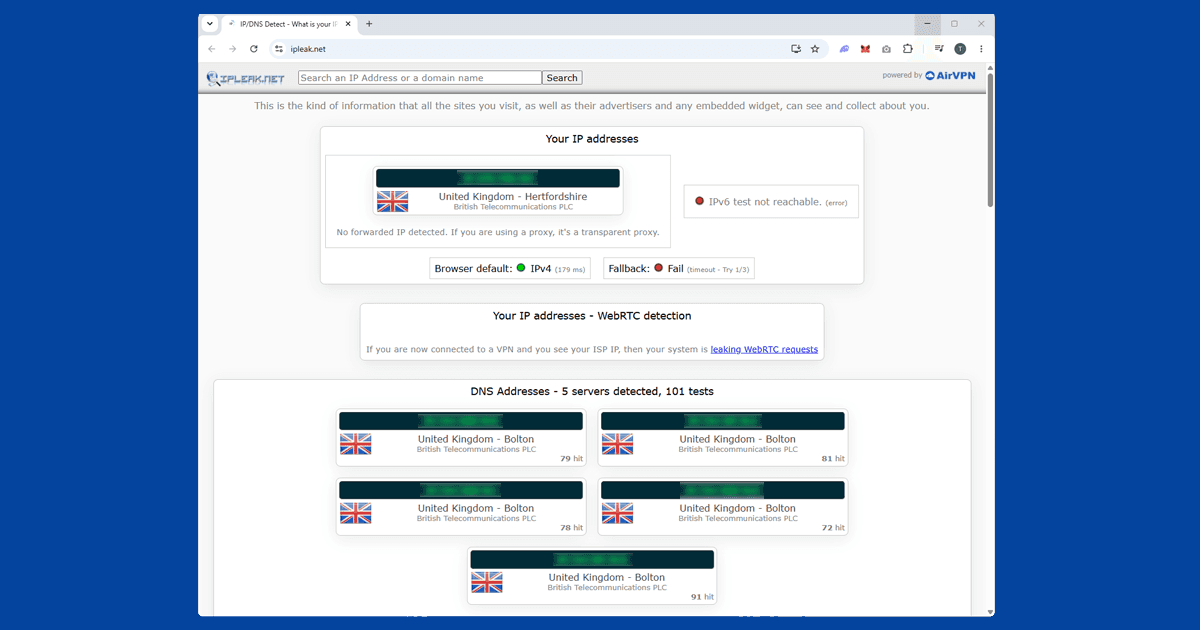
Before you open Kayo, it's worth a quick check. Visit our IP address checker with your VPN connected: it should show Australia and your VPN provider's name. If it shows your real location, try a different Australian server. Sydney and Melbourne tend to work best with Kayo. If multiple Australian servers all fail the location check, the VPN provider may not have reliable enough Australian coverage, and switching to one on our recommended VPNs list is worth considering.
Use the Kayo app
For live sports, the Kayo app on iOS and Android is more reliable than the browser. Connect to an Australian server first, then open the app. Make sure you're using the full VPN app, not a browser extension: extensions only cover what happens inside your browser and won't protect the Kayo app.
If the Kayo app doesn't appear in your App Store or Google Play because you're outside Australia, here's how to get it:
- iPhone / iPad: the simplest option is to create a free Apple ID with Australia set as the country and download Kayo through that. Alternatively, you can switch your existing Apple ID's region in Settings > [your name] > Media & Purchases > View Account > Country/Region, but Apple requires no active subscriptions and no outstanding balance before it will let you switch.
- Android: Google only allows a Play Store country switch once per year and requires you to be on an IP address from the target country. Connect your VPN to an Australian server first, then open the Play Store, tap your profile icon, and look for the country option under Settings. If it doesn't appear, your account may not be eligible to switch yet.
Kayo also has an Apple TV app. Samsung Smart TVs with Tizen OS have a native Kayo app too. For other smart TVs that don't support VPN apps, the easiest option is to install the VPN on your router so the TV automatically uses an Australian connection.
Worth knowing: Kayo limits how many streams you can watch at once depending on your plan. If you're getting an error that looks more like an account problem than a geo-block, check whether another device on the same account is already streaming.
Getting a good stream for live sport
Live sport is more demanding than on-demand viewing. If you can access Kayo but the stream is buffering or dropping, these adjustments usually fix it:
- Switch to WireGuard protocol if you haven't already. It's much faster and more stable than older options under the sustained load of a live stream. In NordVPN, go to Settings > VPN protocol > NordLynx. In ExpressVPN, select Lightway (UDP).
- Pick the closest Australian server. Sydney has the most capacity and is usually the fastest option for viewers in Europe, the UK, and Asia. Perth is closer for the Middle East and parts of Africa.
- Use a wired ethernet connection instead of wi-fi. wi-fi adds unpredictable delays that compound with the VPN and cause exactly the kind of intermittent buffering that disrupts live matches.
What's on Kayo Sports
Kayo is the most sports-heavy streaming service in Australia. For Australians watching from abroad, the main draws are:
- AFL: the full AFL season, finals series, and AFLW
- NRL: the full NRL season, State of Origin, and finals
- Cricket: Test matches, ODIs, T20 internationals, the Big Bash League, and the Women's Big Bash
- Formula 1: every race live including the Australian Grand Prix, plus MotoGP and Supercars
- Tennis: the Australian Open, Wimbledon, the US Open, and ATP and WTA tour events
- Super Rugby: Super Rugby Pacific and Super W
- Football: A-League Men's and Women's, plus international matches
- Horse racing: Racing.com coverage including the Melbourne Cup carnival
Kayo also carries NBA, NFL, boxing, golf, and more. Sports rights change each season, so check kayosports.com.au for what's currently available.