FixYourVPN
U, which rebranded from UKTV Play in July 2024, is now at u.co.uk. If you've been typing uktvplay.co.uk, that's why it's redirecting. The geo-blocking works the same as before: UK IP addresses only. Compared to BBC iPlayer or Sky Go, U is one of the more straightforward services to unblock with a VPN, and a server switch usually sorts it quickly.
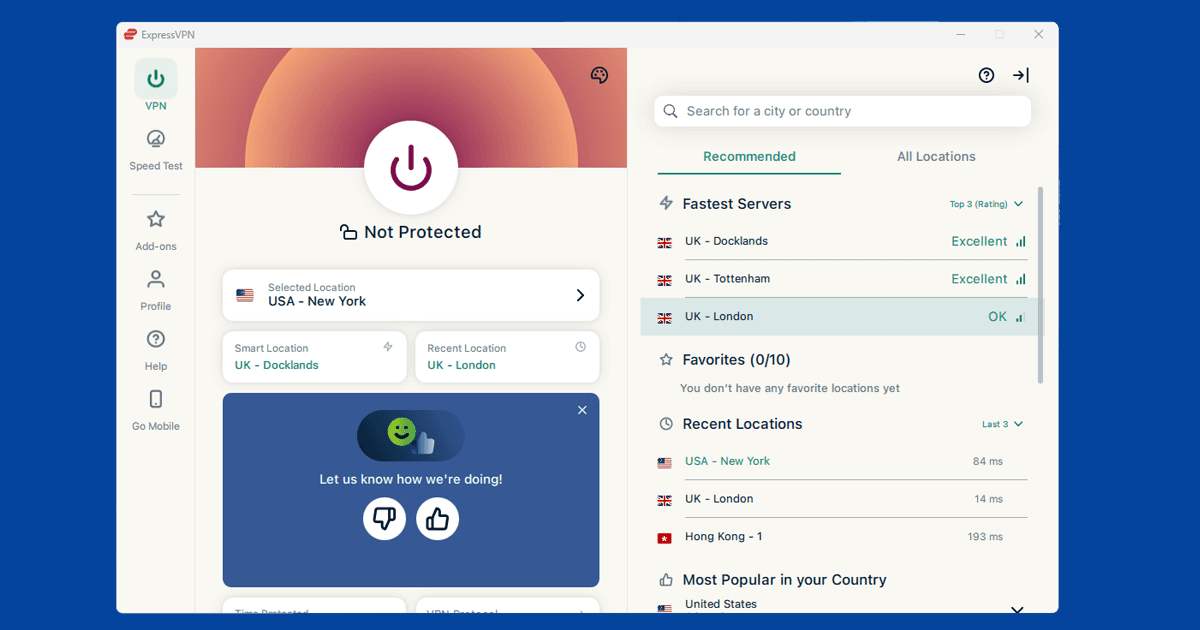
Switch to a different UK server
If U is showing a location error or refusing to play, first check your VPN is actually showing a UK location using our IP address checker. If it is, the server you're on has probably been flagged. U keeps its blocked IP list updated regularly, so a server that worked last week might not work today. Try two or three different UK servers before moving on to other fixes.
NordVPN and ExpressVPN both rotate their UK server pools regularly, so there's almost always a clean IP to try. If you're on a free VPN, the chances of finding an unflagged server are much lower. Our guide to switching VPN servers has the steps for all major apps.
Create a free U account
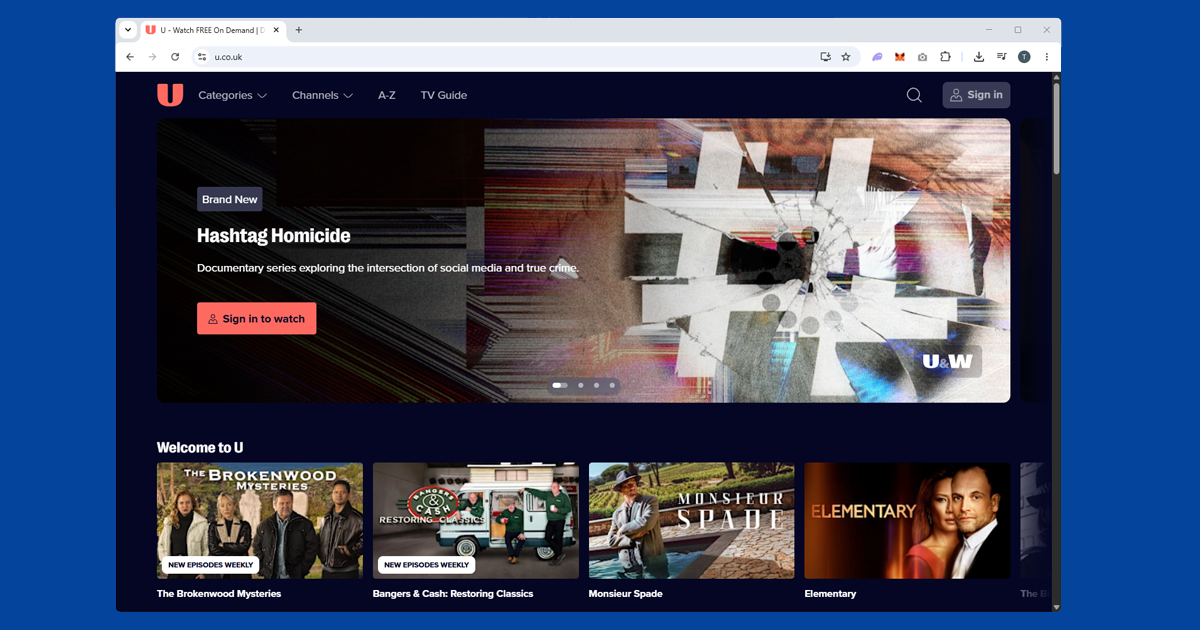
U requires a free account to watch most content. Sign up at u.co.uk with your email address, a password, and a date of birth. No UK address or payment details are needed. If you already had a UKTV Play account, your login carries over to U.
Make sure you're signed in before trying to watch. If you're not logged in, you can sometimes hit location errors even with a valid UK IP.
Clear cookies and open a private window
If you've visited U or the old UKTV Play site before without a VPN, your browser may be carrying location cookies from that session. Even with a UK IP now active, those old cookies can cause playback to fail.
Connect your VPN first, then open a private window (Incognito in Chrome and Edge, Private Browsing in Firefox and Safari) and go to u.co.uk. Private windows start with no stored data, so U can only see your current UK connection.
If U plays in a private window but not your regular browser, clearing cookies fixes it for good:
- Chrome / Edge: three-dot menu SettingsPrivacy and securityClear browsing data, tick Cookies, set range to All time
- Firefox: hamburger menu SettingsPrivacy & SecurityClear Data
- Safari (Mac): SafariSettingsPrivacyManage Website Data
- Safari (iPhone/iPad): open the Settings app AppsSafariClear History and Website Data
Try the U app instead of the browser
U has apps for iPhone, Android, and several smart TV platforms. If the browser version is giving you trouble, the app is worth a try. Make sure you're using the full VPN app on your device rather than a browser extension: extensions only cover traffic inside the browser and won't protect the U app.
If the app itself isn't working, clear its cache first. On iPhone, go to Settings > General > iPhone Storage > U > Offload App. On Android, go to Settings > Apps > U > Storage > Clear Cache. Reconnect your VPN before reopening.
U on your TV or streaming stick
U has apps for Amazon Fire TV, Apple TV, and a range of Freeview Play and Freesat devices. A Fire TV Stick is the simplest setup for watching abroad: install a VPN app and the U app directly on the stick, connect to a UK server, then open U. NordVPN and ExpressVPN both have Fire TV apps in the Amazon app store.
Samsung, LG, and Sony smart TVs often have U available, but most smart TV operating systems don't support VPN apps. Your best options are setting up the VPN on your router (which covers every device on your home network including the TV), or sharing a laptop's VPN connection as a wi-fi hotspot and connecting the TV to that.
What's on U
U is the free streaming home of the channels formerly known as Dave, W, Gold, Yesterday, Drama, Really, Home, and Eden, now rebranded under the U family (U&Dave, U&Drama, and so on). It's the place for British panel shows, classic comedy, crime box sets, history documentaries, and lifestyle content, all free with ads and no TV licence required.
U&Dave is the flagship: QI, Never Mind the Buzzcocks, and a large back catalogue of stand-up alongside original commissions. U&Gold is the home of classic British sitcoms in full. U&Drama carries crime and thriller box sets. Every channel has both a live stream and an on-demand catch-up library. Content is available for 30 days after broadcast.