FixYourVPN

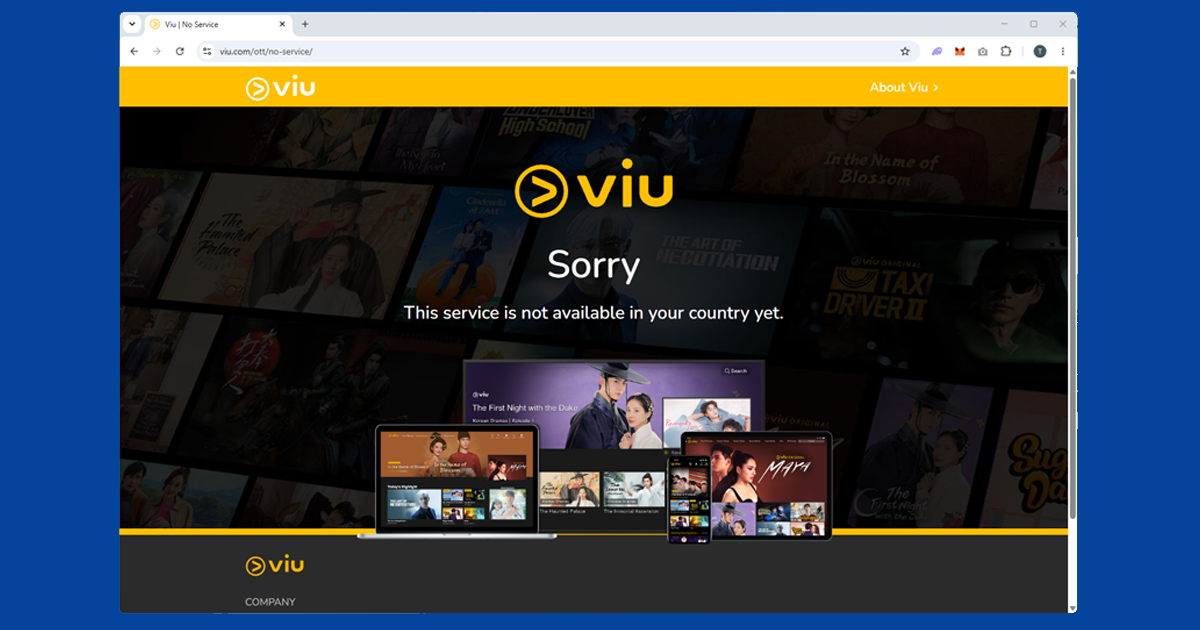
Viu is only available in certain Asian markets, so if you're in the UK, US, or most of Europe, you'll get a "not available in your region" message. The fix is straightforward: connect your VPN to a server in a supported country, and Viu opens normally. Singapore and Hong Kong are the most reliable choices.
What Viu is and where it's available
Viu is a streaming service built around Asian content: K-dramas, C-dramas, Thai dramas, and regional variety shows. Its big appeal for K-drama fans is that it licenses shows directly from Korean broadcasters and often releases new episodes the same day they air in Korea, which is faster than Netflix for a large chunk of the catalogue. It's available across Southeast Asia, the Middle East, Africa, and Oceania, but not in the UK, US, or most of Europe.
A VPN connected to a supported region gets you full access. Singapore and Hong Kong are the most reliable server locations in our testing, and both are well-supported by NordVPN and ExpressVPN.
Connect to a Viu-supported region
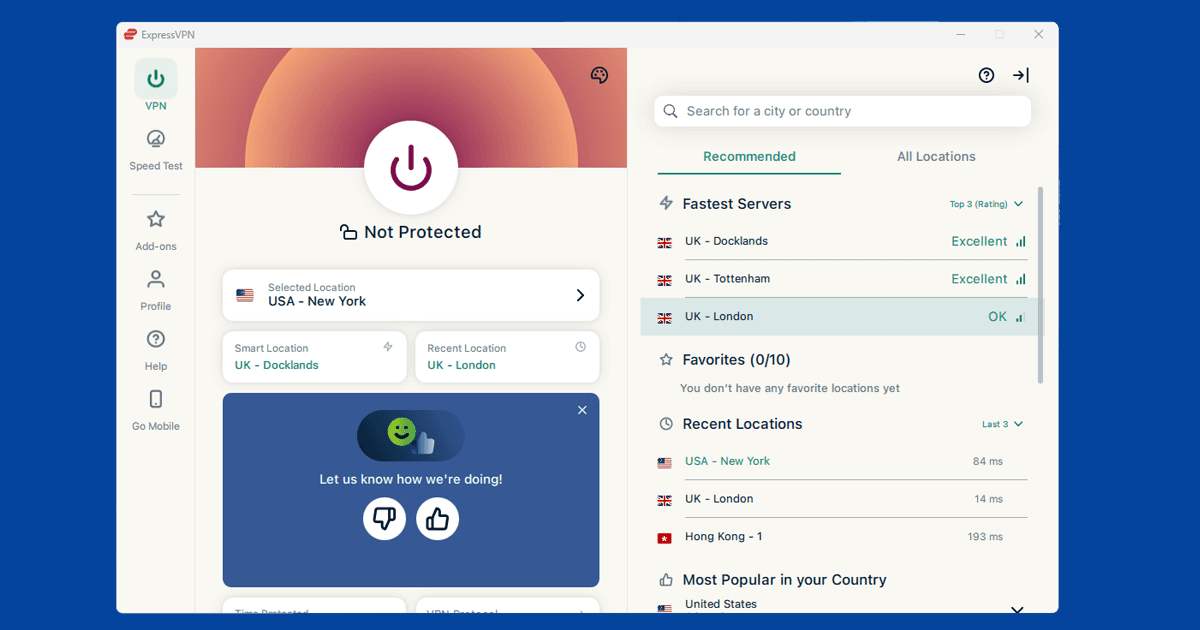
Open your VPN app and connect to a server in a country where Viu is available. Singapore and Hong Kong are the best starting points: they're supported by most major VPNs and tend to give the fastest, most reliable connection for people streaming from Europe or North America.
In NordVPN, search for Singapore or Hong Kong in the server list and connect. In ExpressVPN, select either location from the server list. You can double-check it's working with our IP address checker, then open viu.com or the Viu app.
Try a different server if you get a location error
If Viu shows a geo-restriction message after connecting, the server you're on has likely been blocked. Switch to a different server in the same region and try again. A different Singapore or Hong Kong server will usually get through.
If Singapore and Hong Kong aren't working, try Malaysia or the Philippines as alternatives. Both are Viu markets with good server coverage from NordVPN and ExpressVPN.
Clear cookies and use a private window
If Viu is showing the wrong regional version, your browser may have stored your real location from a previous visit. Clear Viu cookies first, then open a private window after connecting your VPN.
- Chrome: three-dot menu Settings Privacy and security Clear browsing data, tick Cookies and set range to All time
- Firefox: hamburger menu Settings Privacy & Security Clear Data
- Safari: Safari Settings Privacy Manage Website Data Remove All
- Edge: three-dot menu Settings Privacy, search, and services Clear browsing data, tick Cookies
After clearing, connect your VPN, open a private window, and head to viu.com. You can confirm you have the right regional IP via our IP checker before loading the site.
Get the Viu app on iOS outside a supported region
The Viu app isn't listed in the App Store for unsupported countries, so searching for it in the UK or US App Store won't find it. You have two options.
Option 1: Switch your Apple ID region to Singapore. Go to Settings your name Media & Purchases View Account Country/Region. Select Singapore. You'll need to agree to the updated terms and may be prompted for a payment method: choosing None usually works, or you can enter any Singapore address. Once switched, the Viu app appears in the App Store and installs normally. You can switch your Apple ID back to your home region afterwards and the Viu app stays on your phone.
Option 2: Use viu.com in Safari. With your VPN connected to Singapore or Hong Kong, open Safari and go to viu.com. The website works on mobile without any App Store changes, and the experience is close enough to the app for casual viewing. This is the simpler option if you'd rather not touch your Apple ID settings.
Creating a Viu account
Viu has a free tier and a Premium subscription, and both just need an email address to sign up. No phone number from a supported region, no regional restriction. You can register from anywhere.
The free tier gives access to a large chunk of Viu's library with ads, though new episodes are typically delayed by a week. Viu Premium removes ads and unlocks same-day access to episodes as they air in Korea, which is the main reason to upgrade if you're following an ongoing drama. Premium is inexpensive by Western standards, and international credit cards are accepted.
Viu on mobile and TV devices
For iOS, see the App Store section above.
Android: Open your VPN app, connect to Singapore or Hong Kong, and then open Viu. That's all you need.
Android TV: Install your VPN app from the Play Store, connect to Singapore or Hong Kong, and then launch Viu.
Smart TVs (Samsung and others): Most Smart TVs don't support VPN apps directly. The two easiest workarounds are setting up the VPN on your router, or turning your phone into a VPN hotspot and connecting the TV to it.