FixYourVPN

If Max has stopped working with your VPN, you're not alone. Max blocks VPNs by checking whether your IP address looks like it belongs to a data centre rather than a real home broadband connection. Its blocked server list gets updated regularly, so a server that worked last week can stop working without you changing anything.
What the error looks like
Max usually shows one of two things when it detects a VPN: a generic "Content not available" error on a specific title, or a broader message saying the service isn't available in your location. Sometimes it loads the interface fine but refuses to play any video. All of these point to the same thing: Max has identified your IP address as belonging to a VPN server.
Why Max blocks VPNs
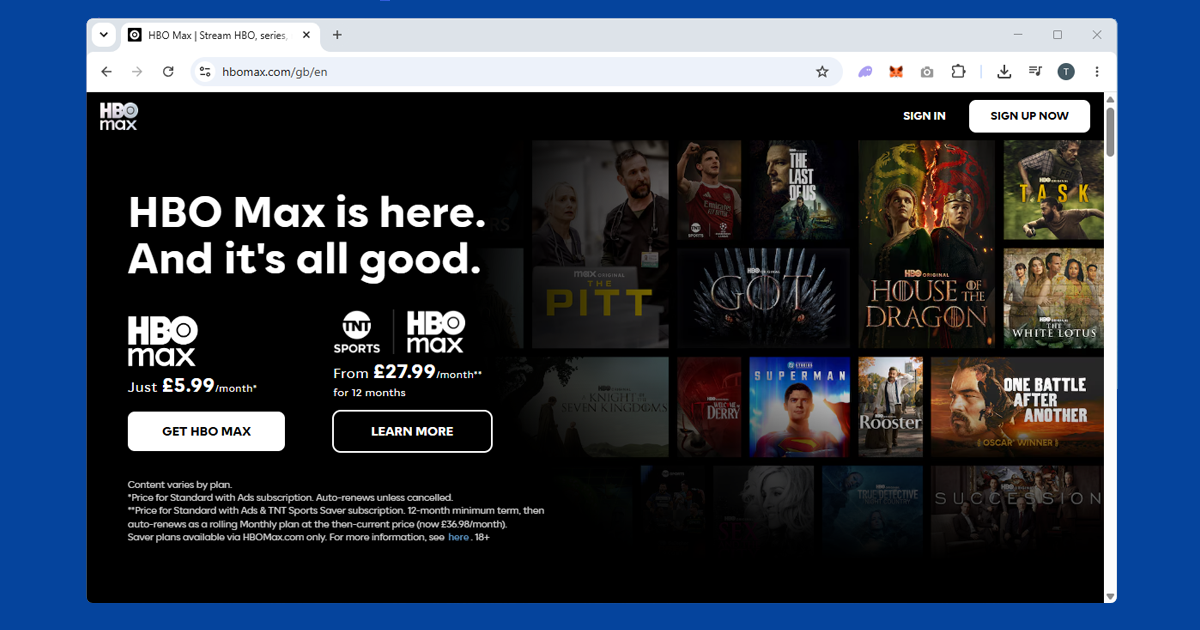
Max is Warner Bros. Discovery's streaming platform, home to HBO originals, DC content, and a large library of films and TV. Like all major streaming services, it holds content rights tied to specific countries. The US version has the fullest catalogue; other regions like Europe and Latin America have their own versions with different content.
When you connect through a VPN, your IP address belongs to a data centre rather than a home broadband connection. Max checks IP addresses against databases that flag data centre addresses as likely VPN traffic. When there's a match, playback is blocked. Because it's the IP address being blocked rather than the VPN itself, switching to a different server is usually all it takes.
Switch server first
Try a different US server before anything else. Max blocks individual IP addresses, so a server that's been flagged sits alongside plenty that haven't been. Switching gives you a fresh IP, and that's often all it takes. Try two or three before moving on. After switching, confirm your new IP is showing as US at our IP checker before opening Max.
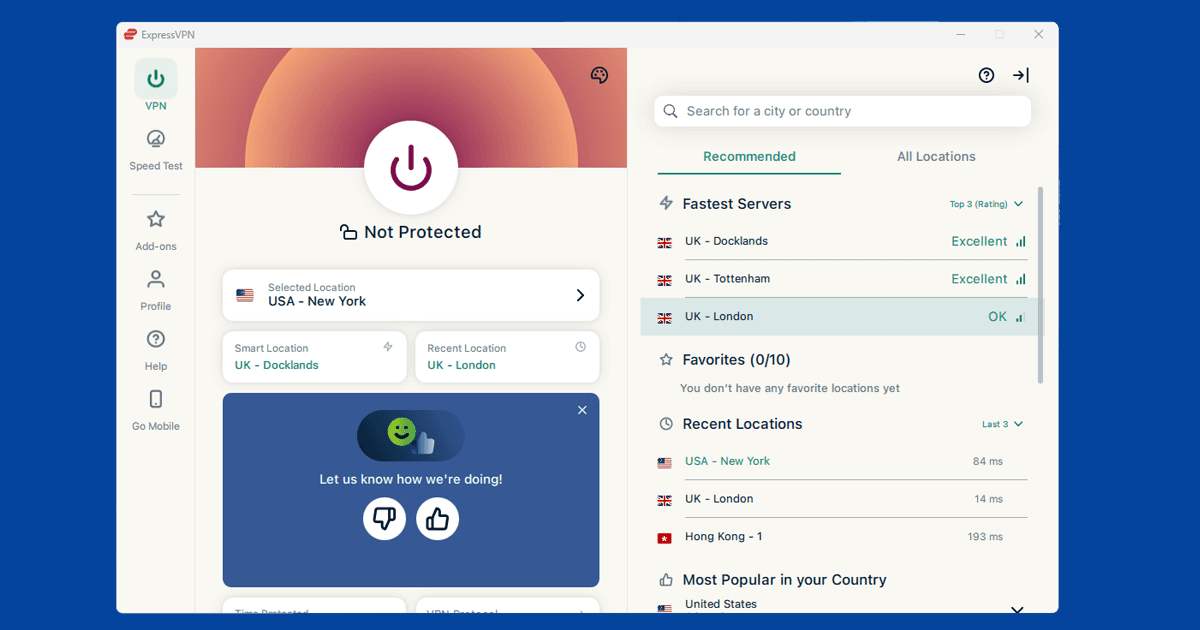
If your VPN has streaming-optimised or US-specific server options, use those first. NordVPN labels these clearly in its server list; ExpressVPN shows recommended servers for streaming in its app. For the most reliable streaming connection, use the WireGuard protocol if your VPN supports it (called NordLynx in NordVPN and Lightway in ExpressVPN). It's faster and more stable for video than the older alternatives.
Clear cookies and use a private window
Max stores session data in your browser, including location information from previous visits. If you've ever loaded Max without a VPN, those saved cookies can give away your real location even after you connect. The quickest fix is to open a private or incognito window after connecting your VPN. That starts completely fresh with no old data.
If you'd rather clear them manually: in Chrome, go to Settings > Privacy and security > Clear browsing data. In Firefox, open Settings > Privacy & Security > Clear Data. In Safari, go to Safari > Settings > Privacy > Manage Website Data > Remove All. In Edge, go to Settings > Privacy, search, and services > Clear browsing data > Choose what to clear. Delete cookies for max.com specifically, then reconnect your VPN and reload the site.
Use the Max app instead of a browser
The Max app is generally more reliable with a VPN than the website in a browser. Browsers can expose extra information that streaming services use to detect VPNs, including something called WebRTC, which can leak your real IP address even when a VPN is active. The Max app doesn't have this problem because it communicates at the system level, where the VPN covers all traffic.
Make sure your VPN is connected before you open the app, and that you're using the full VPN application rather than a browser extension. Browser extensions don't cover app traffic.
Do you need a US account?
Max is primarily a US service. If you're trying to access the full US Max catalogue from the UK, you'll need a US Max account as well as a US VPN server. Signing up for a US account typically requires a US payment method, though subscribing through a US Apple or Google account is a common workaround if you have one set up.
If you already have a Max account from a time you lived in the US, connecting to a US VPN server should be enough to restore access. If you subscribed through the App Store or Google Play, your billing is tied to whichever country your app store account is registered in, which can sidestep the US card requirement.
What's on Max
Max is the streaming home of HBO's original programming: The White Lotus, The Last of Us, Succession, House of the Dragon, The Wire, The Sopranos, and the full HBO back catalogue. It also carries DC films and series, Warner Bros. theatrical releases, Max Originals, and a large library of licensed films and TV series. The US Max catalogue is the most complete: it includes content that isn't licensed to the European or Latin American versions.
Max launched in the UK as a standalone service, replacing the HBO content that had previously been available via Sky and Now TV. UK Max has a good selection of HBO originals but a different (and generally smaller) catalogue than Max US. If you're in the UK and want the full US Max library rather than the UK version, you'll need a US VPN server and a US account.