FixYourVPN
ChatGPT and VPNs have a complicated relationship. The error you see can come from three different places: your country is blocked by OpenAI, your VPN server's IP address has been flagged, or your school or work network is filtering ChatGPT out. Each one looks the same on screen but needs a different fix.
Why ChatGPT might be blocking you
Your country blocks ChatGPT. OpenAI restricts access in a number of countries including China, North Korea, Iran, Cuba, and Syria, based on regulations and US export controls. OpenAI updates this list periodically, so if you're unsure whether your country is affected, check the current list on OpenAI's support page. If you're in a restricted country, you need a VPN connected to a supported country before opening ChatGPT. In heavily censored countries like China and Iran, standard VPN protocols are often blocked too, so you may also need to switch to a protocol with obfuscation.
Your VPN's IP address has been flagged. OpenAI checks incoming IP addresses against commercial databases of known data-centre and VPN IPs, and blocks them. If ChatGPT works fine without your VPN but fails with it on, this is almost certainly the cause. Switching to a different server in the same country gives you a fresh IP that likely hasn't been flagged yet.
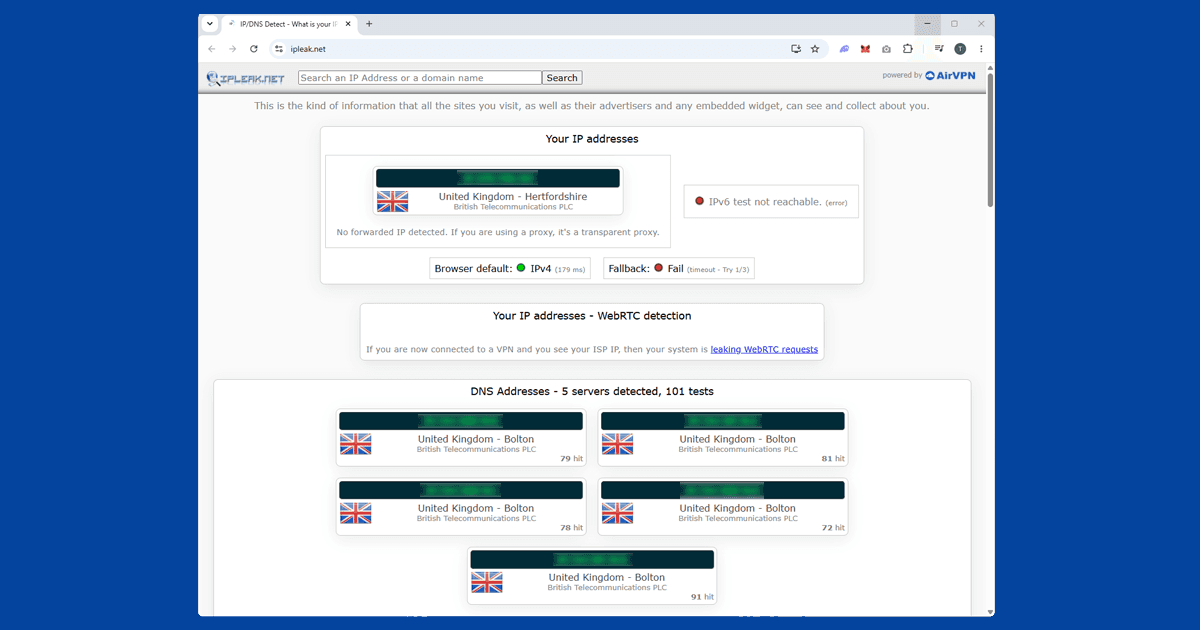
Your school or work network is blocking ChatGPT. Some institutions block AI tools at the network level. A VPN connected to any unrestricted server bypasses this straight away. Use our IP checker to confirm your VPN is active and showing a location outside the restricted network.
Fix 1: Connect to a server in a supported country
Connect your VPN to a server in the UK, US, Germany, or the Netherlands before opening ChatGPT. These all have reliable access and large server pools. Once connected, open chatgpt.com in a private window to start with a clean session.
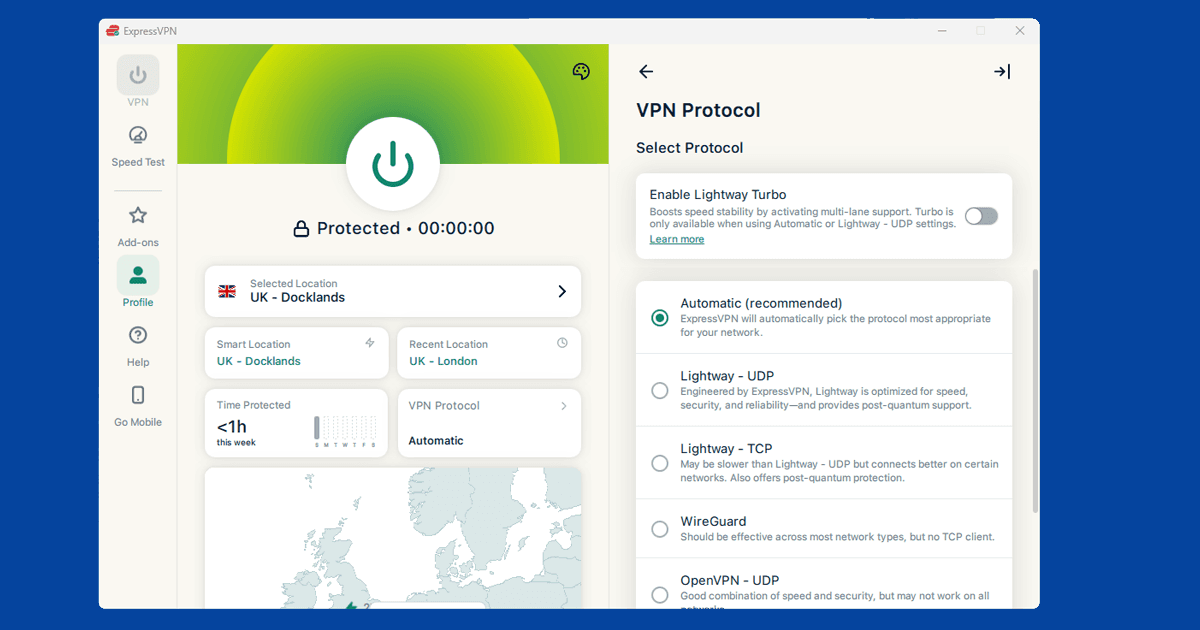
If you're in a country with active censorship (China, Iran), standard VPN connections can themselves be detected and blocked. In NordVPN: go to Settings > VPN Protocol and switch to OpenVPN (TCP). In ExpressVPN: set the protocol to Automatic or Lightway. Our guide on changing your VPN protocol has the full steps.
ChatGPT errors look the same whether your country is blocked or your VPN's IP has been flagged. Working out which one applies takes 30 seconds and determines where to start.
Fix 2: Switch to a different server
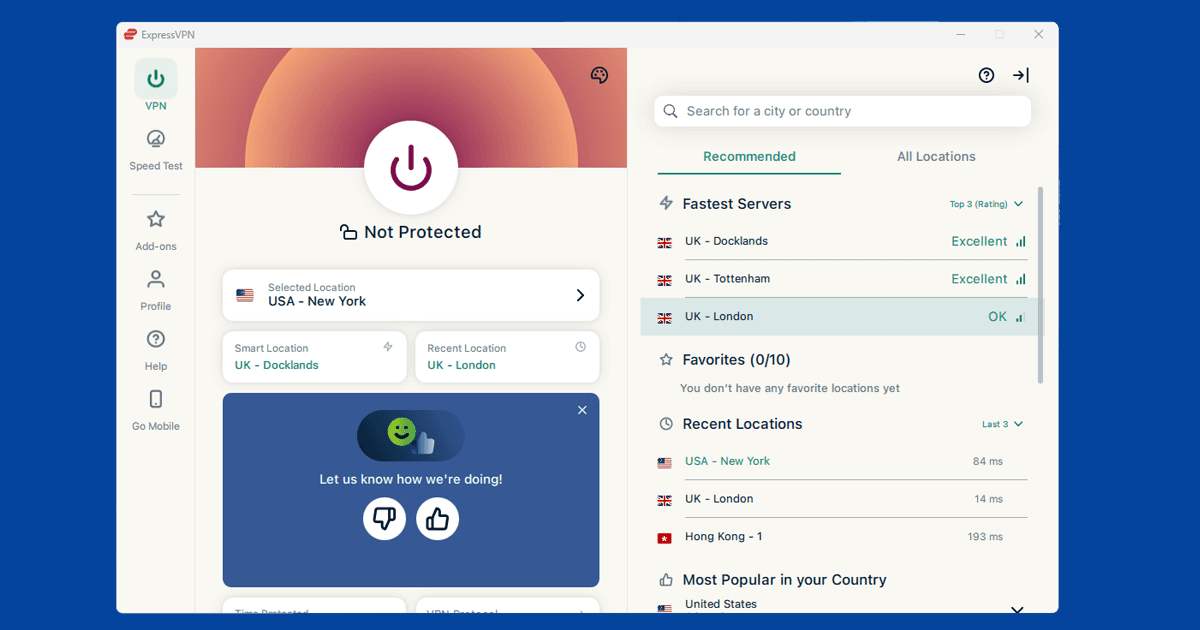
If ChatGPT works without your VPN but fails with it on, your VPN server's IP has been flagged by OpenAI. This is separate from country-level restrictions. Switch to a different server in the same country and try again. Try three or four before moving on. OpenAI's blocking is IP-specific, so a fresh address usually sorts it.
If switching servers repeatedly doesn't help, some VPN providers offer residential IP addresses: IPs registered to real home broadband connections rather than data centres, which are much harder for OpenAI to flag. NordVPN offers a Residential IP add-on that gives you a dedicated address of this type. It's an extra cost, but it's the most reliable fix for persistent blocks.
Fix 3: Clear cookies and use a private window
Old session cookies can carry your real location into a new browsing session, causing ChatGPT to block you even when your VPN is running. Reconnect your VPN first, then clear cookies for your browser:
- Chrome: Settings > Privacy and security > Clear browsing data > set time range to All time > tick Cookies and other site data
- Firefox: Settings > Privacy & Security > Clear Data > tick Cookies
- Safari: Safari > Settings > Privacy > Manage Website Data > Remove All
- Edge: Settings > Privacy, search, and services > Clear browsing data > Choose what to clear > set time range to All time
After clearing, open chatgpt.com in a fresh private window. For the full process, see our cookie-clearing guide.
Fix 4: Try the ChatGPT app
The ChatGPT app handles location detection differently from the browser version and sidesteps some of the techniques that cause blocks. Some server IPs that fail in the browser work fine in the app.
ChatGPT has apps for iPhone, Android, Mac, and Windows. On all platforms, make sure you're using the full VPN app rather than a browser extension. A browser extension only covers traffic inside your browser, not standalone apps. Connect your VPN first, then open ChatGPT.
Fix 5: Signing up for ChatGPT with a VPN
Creating a new ChatGPT account through a VPN can be trickier than logging into an existing one. OpenAI uses phone number verification during sign-up, and if your phone number's country doesn't match your VPN server's country it may reject the attempt. If you're signing up while travelling:
- Connect to a VPN server in your home country before starting the sign-up process.
- Use your regular phone number for verification, even if your VPN shows a different country.
- If sign-up keeps failing, try a private window and disable any other browser extensions that might be interfering.
Logging into an existing account has lighter verification requirements and usually works with a straightforward server switch.
Which VPN works best for ChatGPT
Which VPN suits you depends on what's causing the block.
For country blocks and censorship (China, Iran): ExpressVPN is our top pick. Its Lightway protocol has a good track record in heavily censored environments. NordVPN is a solid alternative; switch to OpenVPN TCP in Settings > VPN Protocol.
For IP-reputation blocks (ChatGPT available in your country but blocking your VPN): NordVPN gives you more servers to cycle through, and its Residential IP add-on is the most reliable fix for persistent blocks. ExpressVPN is a good alternative with a large server pool.
Free VPNs are almost always blocked by ChatGPT. Their limited IP pools get flagged quickly and most lack the protocol flexibility needed for censored-region scenarios.