FixYourVPN
DAZN is one of the harder streaming services to unblock with a VPN, for two reasons. First, it checks more signals than most services. Second, your DAZN account country has to match the country you're connecting from: use a German server when your account was registered in Canada and you'll either get the wrong library or hit a block. The steps below cover both problems, starting with the account country check since that's the one most people miss.
Why DAZN is harder to unblock than most
DAZN is a sports streaming service available in a growing number of countries including the UK, Germany, Canada, Italy, Spain, and Japan. Unlike most streaming services, it isn't one global library: the sports available depend entirely on which country you're accessing from. Boxing, Champions League, Bundesliga, and MMA rights are all licensed differently in each market, so the catalogue you see changes with the server you're on.
DAZN is also more thorough about VPN detection than most services. It checks your IP address, monitors DNS requests, and blocks known VPN server addresses. That means you may need to try more servers than you would for Netflix or Prime Video, but it's not unbeatable with the right setup.
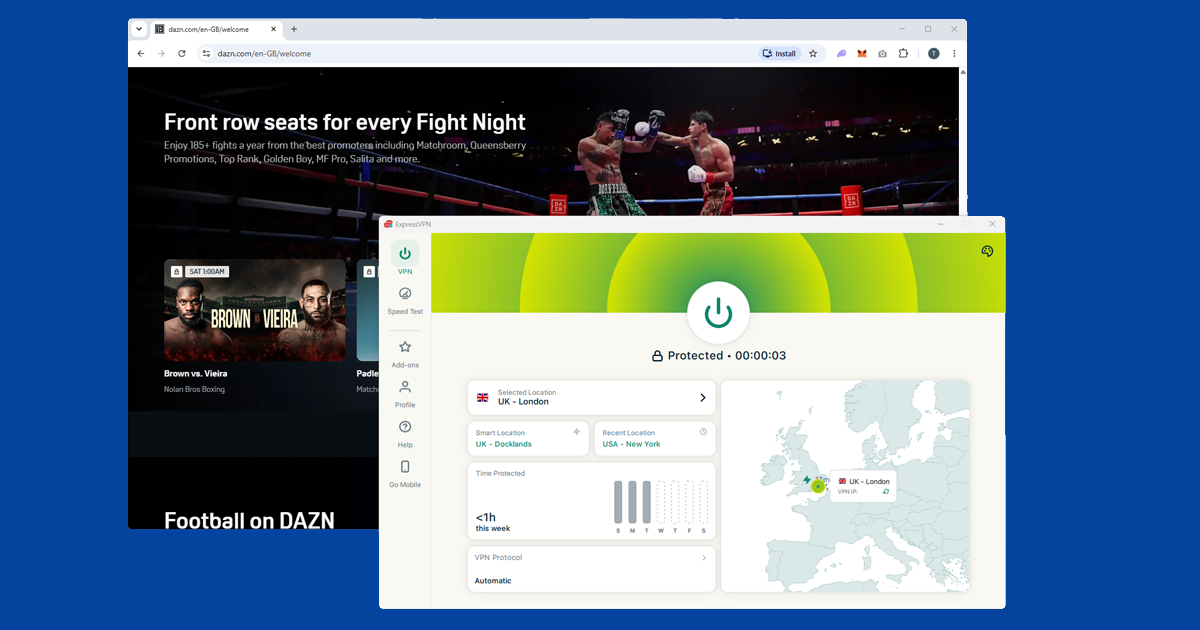
What's on DAZN
DAZN's sports library varies significantly by country. The list below reflects what was available at time of writing: rights deals change regularly, so connect to your target country's server first and browse dazn.com to see exactly what's available right now.
- UK: boxing and MMA as the flagship content, plus some additional sports rights
- Germany: Bundesliga, Champions League, some Premier League coverage, boxing, and more
- Canada: NFL, NBA, MLB, NHL, MMA, and Champions League
- Italy: Serie A and Champions League, plus other sports
- Spain: LaLiga and Champions League coverage
- Japan: NFL, MLB, Champions League, and boxing
The DAZN website shows country-specific content when you browse from that country's IP, so connecting to your target server and then checking dazn.com is the most reliable way to verify what's actually available before signing up.
Your DAZN account country matters
This is the most important thing to understand about using a VPN with DAZN, and it's what trips up most people. DAZN doesn't only check where you're connecting from: it also checks the country your account was registered in. If those two things don't match, DAZN will either block you or show you the wrong library.
The fix is straightforward: make sure your VPN server country matches the country you used when you created your DAZN account. If your account is registered in Germany, connect to a German server. If it's registered in the UK, connect to a UK server.
DAZN typically doesn't let you change your account country after registration. If you want to access a different country's library, you'd need a separate account registered while connected to a server in that country. As DAZN is a paid subscription service, that means a separate subscription for each country's account.
Check which sports are available in your target country
Before spending time troubleshooting your connection, it's worth confirming the sport you want is actually available in your target country. If you want the Bundesliga, Germany is the right server. If you want boxing, the UK, Germany, and Canada all carry it. Germany generally has the broadest overall sports catalogue.
The easiest check: connect your VPN to your target country, open dazn.com, and browse the sports on offer before subscribing or troubleshooting further.
Switch to a different server
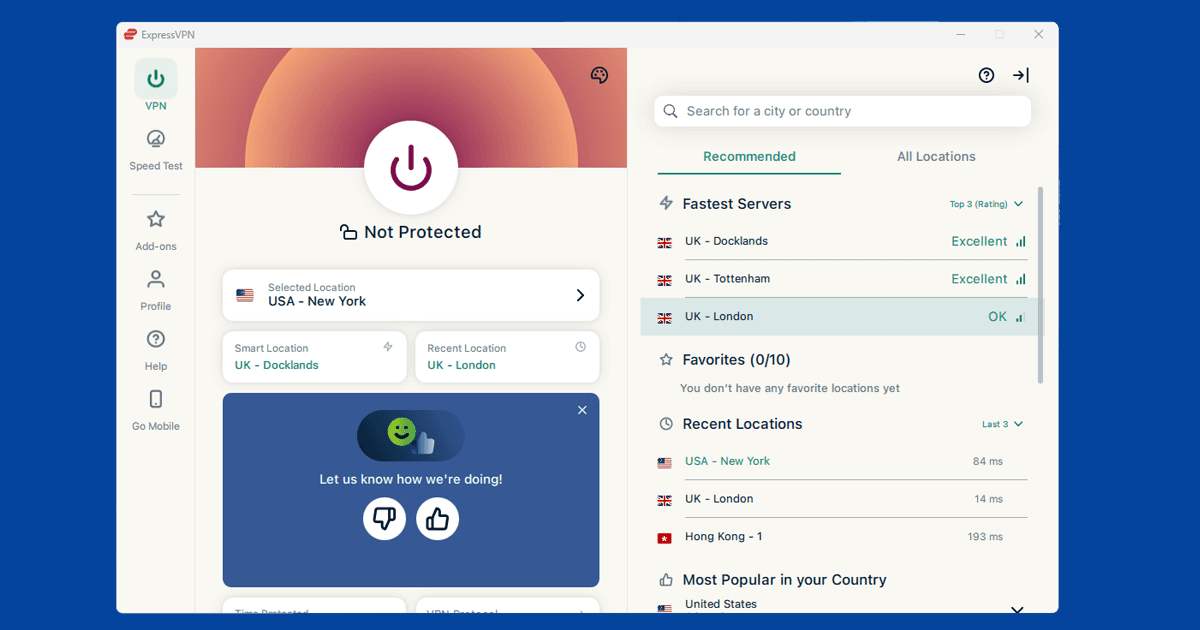
If DAZN is showing a location error, try a different server in your target country. DAZN updates its blocked server lists regularly, so the server you used last time may have been flagged since. You may need to try more servers than with most streaming services: working through three or four attempts is normal. Within your VPN app, try servers labelled by city rather than just country, since IP ranges can vary between cities.
NordVPN and ExpressVPN tend to get better results with DAZN than smaller providers, because they maintain larger server pools and rotate blocked IPs more quickly. Our guide to switching VPN servers covers the steps in all the main apps.
While you're in your VPN settings, it's worth enabling the kill switch too. If your connection drops mid-match, a kill switch cuts your internet rather than falling back to your real IP, which would trigger a DAZN location check and potentially flag your session. Our kill switch guide shows how to turn it on in the main apps.
Clear cookies and use a private window
If you've visited DAZN before without a VPN active, your browser may have stored session data that includes your real location. Even with a VPN connected, those cached cookies can cause a block. Open a private or incognito window after connecting your VPN to start fresh. To clear cookies manually:
- Chrome: SettingsPrivacy and securityClear browsing data
- Firefox: SettingsPrivacy & SecurityClear Data
- Safari: SafariSettingsPrivacyManage Website DataRemove All
- Edge: SettingsPrivacy, search, and servicesClear browsing data
Reconnect your VPN and open dazn.com in the fresh private window.
Confirm your VPN is showing the right country
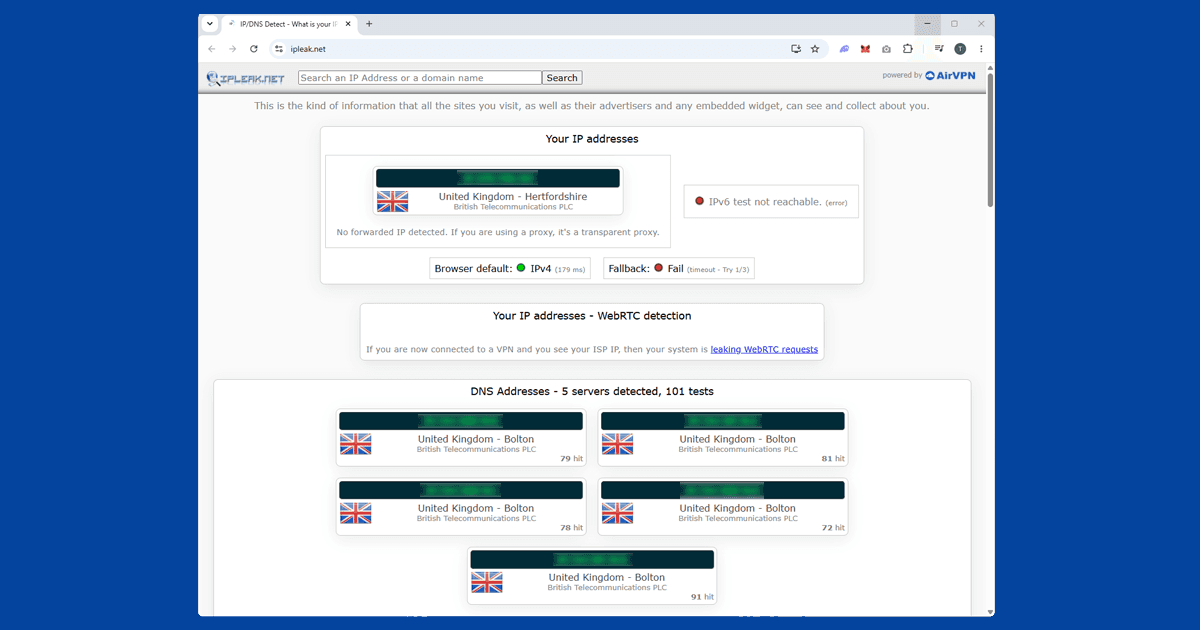
Because DAZN's content varies by country, it's worth confirming your VPN is actually routing you through the right place. Use our IP address checker with your VPN connected: if it shows the country you need, the connection is fine and the block has a different cause. If it shows your real location, try a different server. If multiple servers all show the wrong location, the VPN may need updating. Our VPN recommendations covers the options.
Check for a DNS leak
DAZN monitors DNS requests as part of its VPN detection, so a DNS leak can cause blocks even when your IP address looks correct. A DNS leak means your device is sending DNS requests outside the VPN tunnel, which can reveal your real location through a different channel even when your IP is fine.
Our IP checker also shows DNS information: if it shows your internet provider's DNS instead of your VPN's, you have a leak. In NordVPN, DNS leak protection is on by default. In ExpressVPN, check under Preferences for "Use only ExpressVPN DNS servers while connected." Our full guide to fixing a DNS leak has the step-by-step for each app. With DAZN specifically, fixing a DNS leak is often the difference between getting through and not.
Try a different VPN protocol
If you've switched servers, cleared cookies, and fixed any DNS leak and DAZN is still blocking you, try switching your VPN protocol. WireGuard is faster and more reliable than older protocols, and some users find it gets through when other protocols don't. In NordVPN, WireGuard is called NordLynx. In ExpressVPN, look for Lightway, which is ExpressVPN's own fast protocol.
If WireGuard doesn't help, try OpenVPN TCP. It runs on port 443, the same port as regular HTTPS traffic, which makes it harder for some services to identify and block. Our guide to changing your VPN protocol has step-by-step instructions for all the main apps.
Try the DAZN app rather than the browser
If the website keeps blocking you, try the DAZN app on iOS or Android. The app and the browser version can handle VPN connections differently, and a block that affects one doesn't always affect the other. On mobile, make sure your VPN is running as a system-level app rather than a browser extension: extensions only cover browser traffic and won't protect the DAZN app.
Watching DAZN on a smart TV or streaming stick
Most smart TV operating systems don't support VPN apps directly. What you need to do depends on your device:
- Fire TV Stick: install a VPN app from the Amazon Appstore. NordVPN and ExpressVPN both have Fire TV apps. Connect to your target country before opening DAZN.
- Android TV / Google TV: install a VPN app from the Google Play Store. Most major VPN providers have Android TV apps.
- Apple TV: install a VPN app from the App Store. Native VPN support was added in tvOS 17, so you'll need a provider with an Apple TV app.
- Samsung, LG, or Philips smart TVs: no native VPN app support. Set up the VPN on your router instead; all devices on your home network will route through it automatically.
- PlayStation 4/5 or Xbox: no VPN app support. The router method is the way to go here.
Setting up a VPN on your router covers every device in your home automatically. Check your router's manual or your VPN provider's support pages for model-specific setup instructions.
Which VPN works best for DAZN
NordVPN and ExpressVPN are the most consistently effective options for DAZN. Both maintain large server pools that are actively updated for streaming access, and their protocol options give you more tools to handle DAZN's thorough detection.
Free VPNs rarely work with DAZN. Their IP pools are small, get flagged quickly, and they don't have the infrastructure to rotate blocked addresses and keep up with DAZN's blocked list updates. If you're using a free VPN and DAZN keeps blocking you, the VPN is the bottleneck. See our full VPN reviews for a comparison of paid options.