FixYourVPN

Peacock is NBCUniversal's US-only streaming platform, home to the Premier League, WWE, NBC originals like The Office and Parks and Recreation, and a large library of Universal films. Its detection has grown more aggressive over time and it is increasingly good at detecting VPN connections. If you are outside the US, our guide will help you get it working.
Switch to a different US server
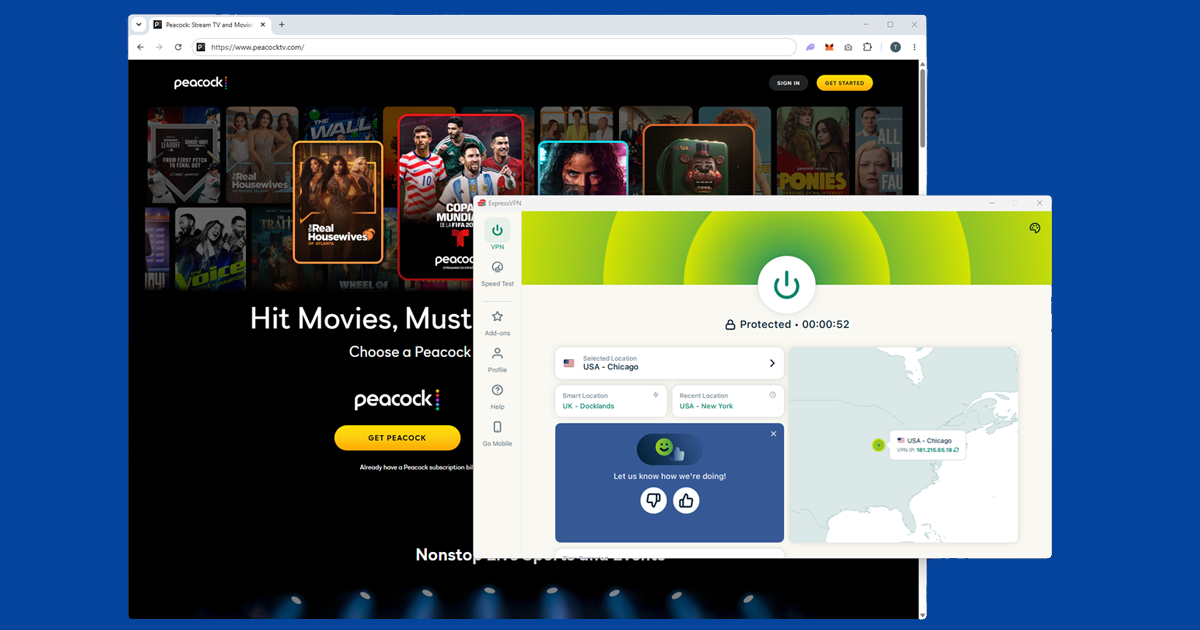
If Peacock is showing a geo-restriction error or refusing to play, switch to a different US server in your VPN app. Peacock updates its blocked server list regularly, so a server that worked last week may be flagged now. When we first tested this, a New York server failed straight away, but switching to Chicago had Peacock loading within seconds. Try a few different cities before moving on: Los Angeles and Dallas are also worth trying. If your VPN offers streaming-optimised servers, start with those.
Free VPNs rarely work with Peacock. Their limited server pools get flagged quickly, and Peacock's detection is thorough enough to catch most of them. A premium VPN with a large US server infrastructure is what you need here.
If Peacock drops mid-session, your VPN may silently reconnect to a different server, causing Peacock to flag the connection change. Enable your VPN's Kill Switch to prevent this: if the VPN drops, the kill switch pauses your internet so your real location is never exposed.
Confirm your VPN is showing a US location
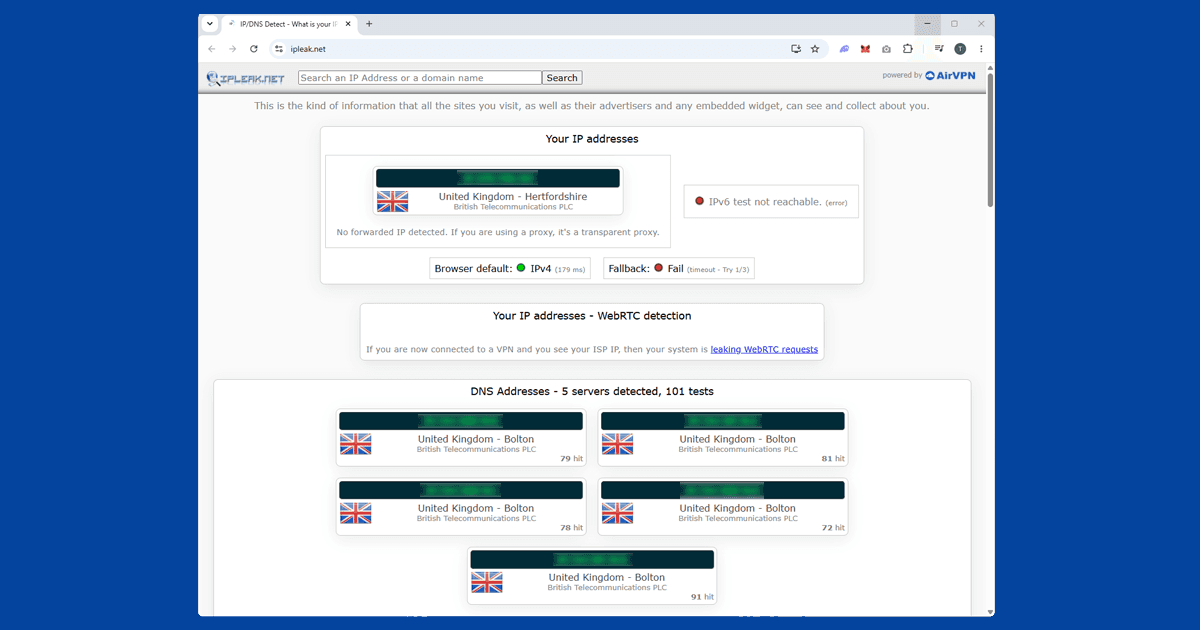
Worth checking before anything else: visit our IP address checker with your VPN on. Peacock can only see what the checker shows. If it confirms a US location, your connection is working and the block is caused by something else. If it shows your real location, try a different US server. Peacock's blocked server list updates regularly, so switching to a different city usually works. If multiple US servers all fail the location check, consider switching to a VPN with a stronger track record for Peacock. Our recommended VPNs has the comparison.
Change your VPN protocol
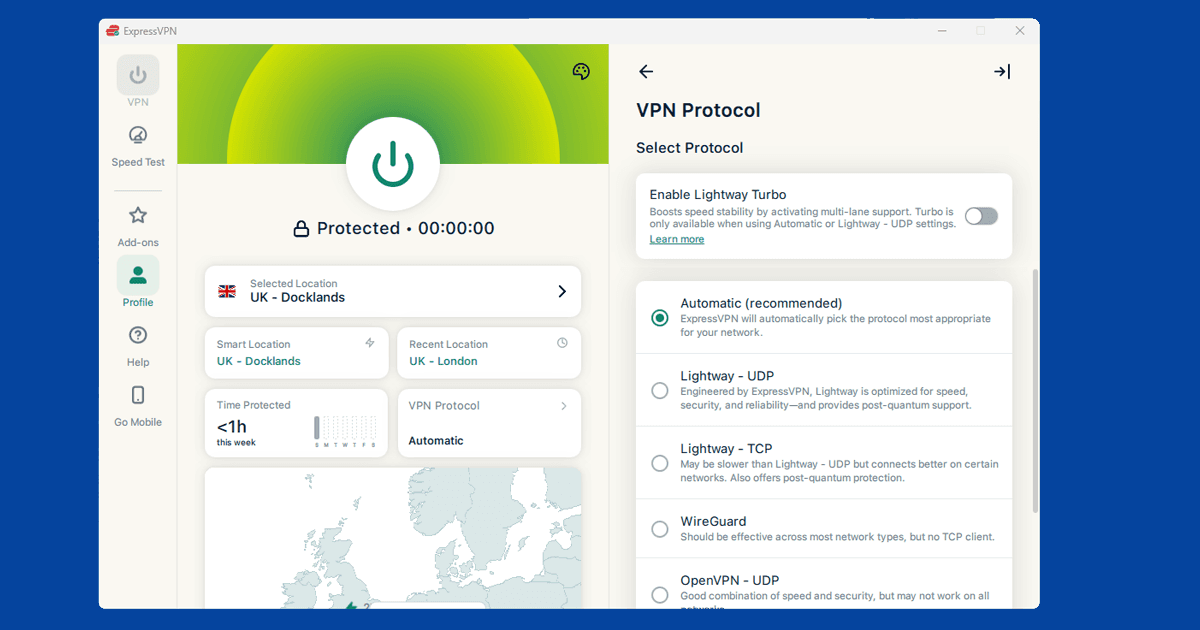
If you've switched servers and DNS looks clean but Peacock is still blocking you, try changing your VPN protocol. WireGuard is the fastest and most reliable modern option.
Open your VPN app's settings and look for a Protocol or Connection section. Try WireGuard first, labelled NordLynx on NordVPN and Lightway on ExpressVPN. If that doesn't resolve it, try OpenVPN TCP on port 443. Our guide on changing your VPN protocol covers all the major apps.
Try the Peacock app instead of a browser
Peacock's website and the Peacock app use slightly different detection approaches. If one isn't working with your VPN, try the other. The Peacock app is available on iOS, Android, Fire TV Stick, Roku, Android TV, Apple TV, Chromecast, PlayStation 4 and 5, and Xbox One and Xbox Series X/S.
On mobile, make sure you're using the full VPN app rather than a browser extension. A browser extension only protects traffic inside your browser, not other apps.
Clear cookies and use a private window
If you've visited peacocktv.com before without a VPN, your browser may have stored session data that includes your real location. Even with a VPN active, those cached cookies can cause playback to fail. Connect your VPN first, then open Peacock in a private or incognito window. Private windows start with no stored location data.
If Peacock plays in private mode but not your regular browser, cookies are the problem. Clear them site-specifically without wiping your other saved logins:
- Chrome: three-dot menu SettingsPrivacy and securityClear browsing data
- Firefox: hamburger menu SettingsPrivacy & SecurityClear Data
- Safari: SafariSettingsPrivacyManage Website Data
- Edge: three-dot menu SettingsPrivacy, search, and servicesClear browsing data
Watching Peacock on a smart TV
Peacock is available as a native app on Roku, Fire TV Stick, Android TV, and Apple TV, all of which also support VPN apps directly, so you can install your VPN, connect to a US server, and open Peacock without any workarounds.
Most built-in smart TV operating systems (Samsung Tizen, LG webOS) don't allow VPN apps to be installed directly. The workarounds are:
- Router VPN: Install the VPN on your router. All devices on your home network, including the TV, then automatically go through a US connection.
- Laptop hotspot: Connect your laptop to a US VPN server, then share that connection as a wi-fi hotspot. Connect the TV to the hotspot instead of your regular router.
- Cast from a laptop: Open Peacock in Chrome on your VPN-connected computer and cast the tab to a Chromecast or smart TV. Peacock sees the computer's US VPN IP, so the TV receives the stream without needing its own VPN setup.
PlayStation and Xbox both have the Peacock app, but neither console supports VPN apps natively. The router approach is the cleanest solution for consoles.
You need a US Peacock account
Peacock requires an account registered in the United States. The free ad-supported tier is the easiest to create from outside the US: you need an email address and a US address (no payment method required). When the sign-up form asks for a ZIP code, any valid US ZIP code works. Common examples: 10001 (New York), 90210 (Beverly Hills), 60601 (Chicago).
Peacock Premium requires a US payment method, which is the main practical hurdle. Options include a US prepaid virtual Visa or Mastercard (available through services like Privacy.com), asking someone in the US to set up the account, or using a US-issued gift card. The paid tier runs at a few dollars per month and gives access to the full catalogue including live sport.
If you already have a Peacock account registered to a non-US address, that can itself trigger geo-blocking even with a clean US VPN IP. Creating a fresh account with a US address is often the fix in that situation.
What's on Peacock
Peacock's catalogue covers NBC, Universal, and its own originals. The highlights: the complete back catalogue of The Office and Parks and Recreation (both exclusive to Peacock in the US), Yellowstone, Universal theatrical films, Bravo and E! reality shows, and WWE events. Sports coverage includes a package of Premier League fixtures each season, the Olympics, NFL, and NASCAR.
The free tier carries a limited selection with ads. Peacock Premium unlocks the full catalogue including live sport. Unlike some other services, there's no ad-free tier: all Peacock plans include some advertising on on-demand content.