FixYourVPN
Good news: Spotify is usually far more VPN-friendly than services like Netflix. Most of the time it just works. When it doesn't, the fix depends on what's actually causing the problem. Country restrictions, account region mismatches, and network-level filtering at schools or workplaces all look similar on the surface but each need a different approach.
Why Spotify and VPNs sometimes clash
Spotify tolerates VPN connections better than most video streaming services. Problems tend to happen in three specific situations: you're trying to access Spotify in a country where it isn't available, your account region conflicts with the country your VPN is showing, or a school or work network has blocked both Spotify and the VPN itself.
Unlike video streaming services, Spotify doesn't aggressively hunt down VPN IP addresses. Most problems come down to account geography or old cached location data, not VPN detection.
How to fix Spotify not loading with a VPN
If Spotify won't load, shows the wrong country, or gives an error message when your VPN is on, work through these steps in order:
- Close Spotify completely. Don't just minimise it. Quit it fully from the system tray (Windows) or Dock (Mac). Spotify caches your location between sessions, so it needs to be fully closed before your VPN registers cleanly.
- Connect your VPN first. Select a server in the right country, confirm the connection is active, then open Spotify. If you launch Spotify before the VPN connects, it records your real IP address straight away.
- Log out and log back in. Go to your profile and choose Log out, then sign back in. This forces Spotify to read your location from the VPN's IP rather than cached session data.
- Switch to the desktop or mobile app. If you're using the Spotify web player, try the native app instead. Browsers have more ways to reveal your real location, which makes the web player less reliable when a VPN is involved.
- Clear the Spotify cache. On Android: Settings > Apps > Spotify > Storage > Clear Cache. On iOS, delete and reinstall the app. This wipes old location data the app has stored.
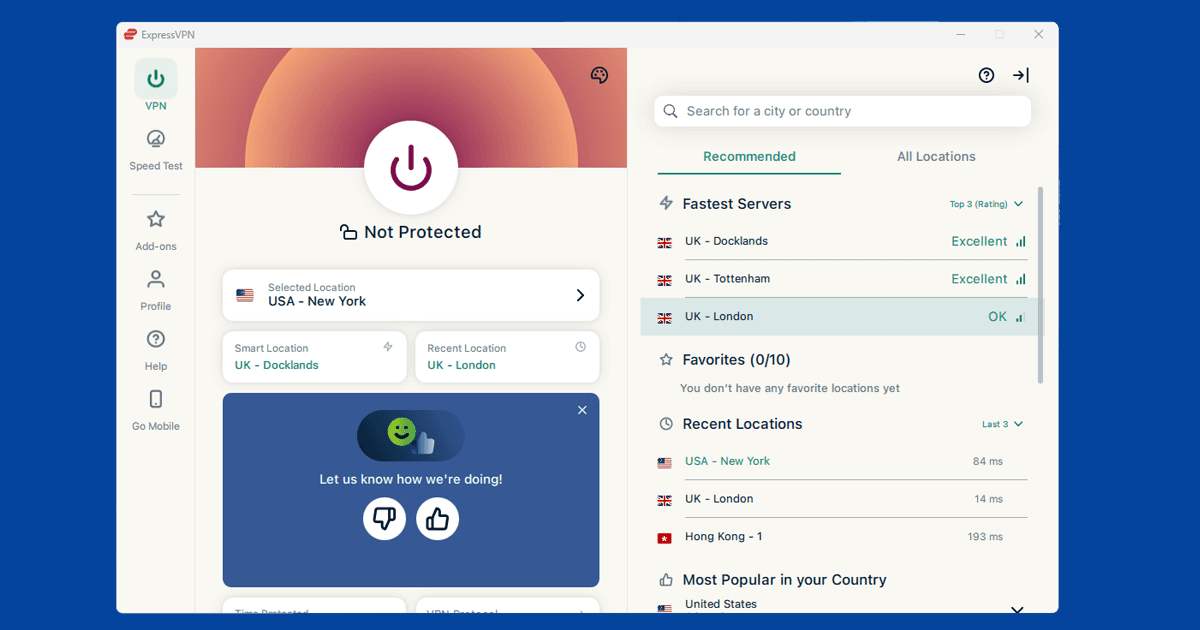
- Try a different VPN server. If one server isn't working, try another in the same country. Individual servers vary in load, and shared IPs can occasionally get flagged if a lot of Spotify traffic runs through them. See our guide to switching servers if you're not sure how.
- Check that your VPN is actually working. Use our IP address checker to confirm the IP shown matches your VPN server's country, not your real location.
Accessing Spotify where it's blocked
Spotify is available in most countries, but not all. China is the clearest exception: Spotify is blocked by the Great Firewall. Some school and office networks also block Spotify entirely.
If Spotify shows a "Spotify is not available in your country" message, connect your VPN to a server in a supported country (the UK, US, or most of Europe), close Spotify completely, then reopen it. The order matters: VPN first, then Spotify.
For China, standard VPN protocols are often blocked by the firewall alongside Spotify itself. Protocols with built-in obfuscation, which disguise VPN traffic as regular web traffic, tend to work better there. See our guide to switching VPN protocols for step-by-step instructions.
VPN blocked on a school or work network
If your school or workplace blocks Spotify, a VPN is usually the answer. The catch is that many of these networks also block VPN traffic, which means the VPN itself won't connect.
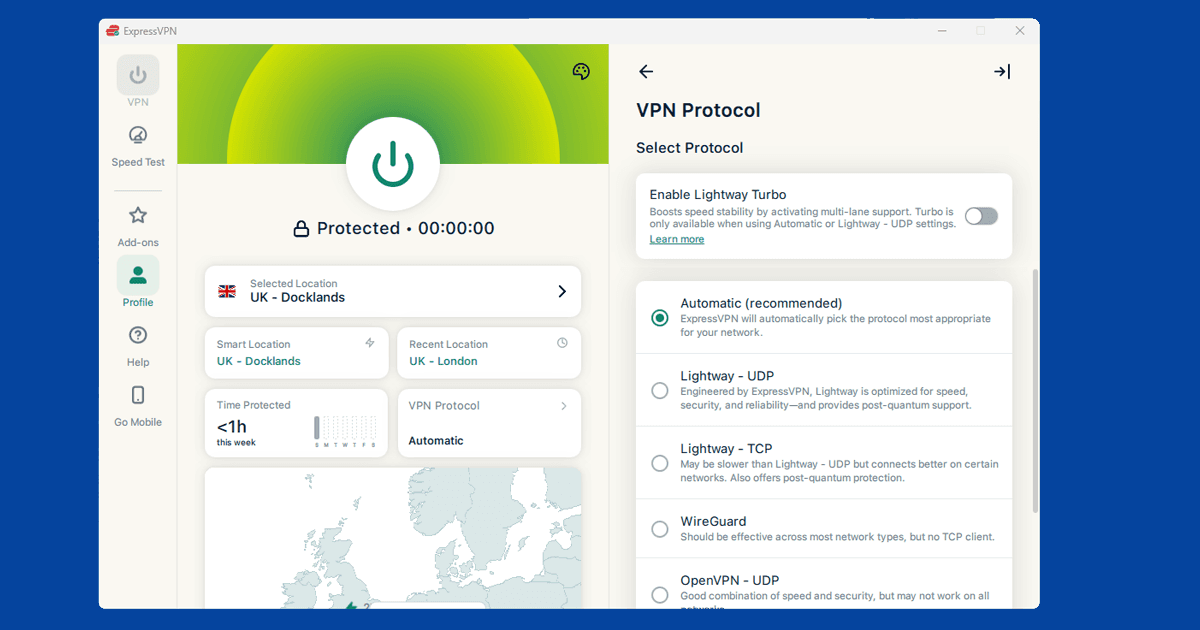
The most reliable fix is switching your VPN protocol. Most VPN apps let you do this in their settings:
- Try WireGuard if you aren't already using it. It's fast and most school network filters don't specifically target it.
- Try OpenVPN over TCP on port 443. Port 443 is the same port used by every HTTPS website, so most networks won't block it. Your VPN app may label this "TCP" or "OpenVPN TCP" in the protocol settings.
- Look for an obfuscation or stealth option. Some VPN apps have a mode that disguises VPN traffic as normal web browsing, making it much harder for network filters to spot. NordVPN calls this "Obfuscated Servers". ExpressVPN has automatic obfuscation built into its Lightway protocol.
If you're at university, our guide to using a VPN at university goes into more detail on network blocks and the best protocol settings for campus wi-fi.
Account region and payment issues
Spotify ties your account to the country where you registered and where your payment method is from. Short trips abroad are generally fine, as Spotify expects occasional travel. If you consistently connect from a VPN server in a different country for weeks at a time, Spotify may prompt you to confirm your location or update your payment method.
To stop the prompts, connect from a server that matches your registered account country. You can update your country in Account settings, though the new country has to match your payment method's country. If they don't match, Spotify will ask for a local payment method before accepting the change.
Spotify Free vs Spotify Premium and VPNs
Spotify Free is much more strictly geo-locked than Premium. In practice, Free accounts tend to stop working when you're outside your home country, and a VPN usually won't resolve this. The restriction is tied to your account registration rather than just your IP address. If you're getting persistent country errors on a Free account, upgrading to Premium is the most reliable way to use Spotify while travelling or outside your home country.
Spotify Premium removes most travel restrictions, though it still enforces payment region rules if you're trying to access a foreign plan at a lower price point.
When Spotify works but audio quality drops
Spotify uses much less bandwidth than video streaming, so if you're getting buffering or skipping, the VPN is most likely the cause. This usually happens when you're connected to a distant server or one that's under heavy load.
Try a server geographically closer to you. If you're already on a nearby server and still seeing issues, try a different one in the same country. Individual servers vary in load. Switching from OpenVPN to WireGuard in your VPN app's Protocol settings can also help, as WireGuard adds less overhead.
Podcast and content availability
Some podcast content on Spotify is geo-restricted. A podcast available in the US may not be available in the UK, or vice versa. Connecting to a VPN server in the right country can unlock this content, as long as the restriction isn't also tied to your account region.
Spotify's music catalogue also varies by country due to licensing agreements. Connecting to a server in a different country can occasionally unlock tracks that aren't available in your home region, though if you do it consistently for long periods Spotify may eventually ask you to confirm your region.
Which VPN works best with Spotify
Most good paid VPNs work with Spotify without any issues. The main things to look for are plenty of servers in the countries you need and WireGuard support, which keeps audio quality high with minimal added delay.
NordVPN and ExpressVPN are the most consistent choices for Spotify. Both have servers across all major Spotify markets and use fast WireGuard-based protocols. If you're on a restricted network, both also have strong obfuscation options. See our full VPN reviews for a detailed comparison.