FixYourVPN

Sky Go is one of the trickier UK services to get working with a VPN, because it checks two things rather than one: your IP address and the details on your Sky account. Getting both right is what makes this harder than most streaming services, so the fixes take a little more back-and-forth than usual.
Why Sky Go is harder to unblock than most
If you're seeing a message saying "you need to be in the UK to watch Sky Go," "this channel is not available in your location," or "your location can't be verified," Sky Go has flagged your connection. Unlike most streaming services, it doesn't just check your IP address: it also checks your account details, including the billing address on your Sky subscription. If your account is registered in the UK and your IP looks right, you'll usually get in. If anything in that combination looks off, Sky Go will block you or ask you to verify your location.
If you're travelling in an EU country, it's worth checking Sky's built-in roaming support before setting up a VPN. UK Sky subscribers can sometimes access a selection of Sky channels in EU countries without a VPN, though live Sky Sports events are often unavailable even in supported countries. If roaming doesn't cover what you need, a VPN connected to a UK server is the reliable fix.
Sky Go also has a device limit: you can only register up to around four devices at a time. If you're on a new device abroad, you may need to sign in and register it first, which can trigger additional location checks.
Fix 1: Connect your VPN before opening Sky Go
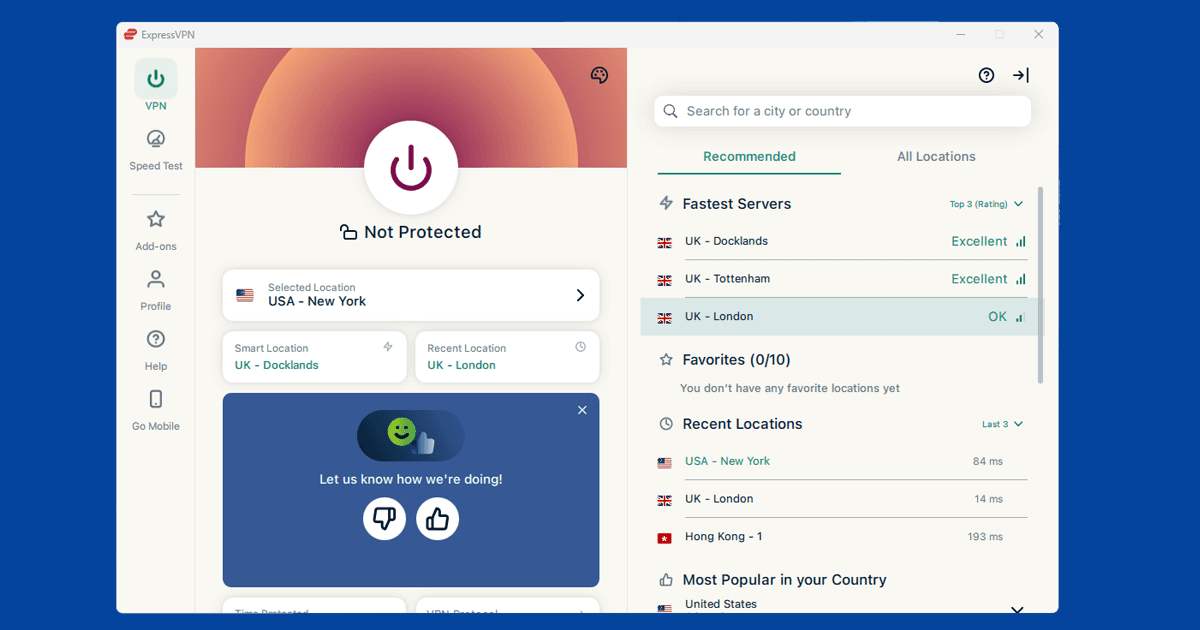
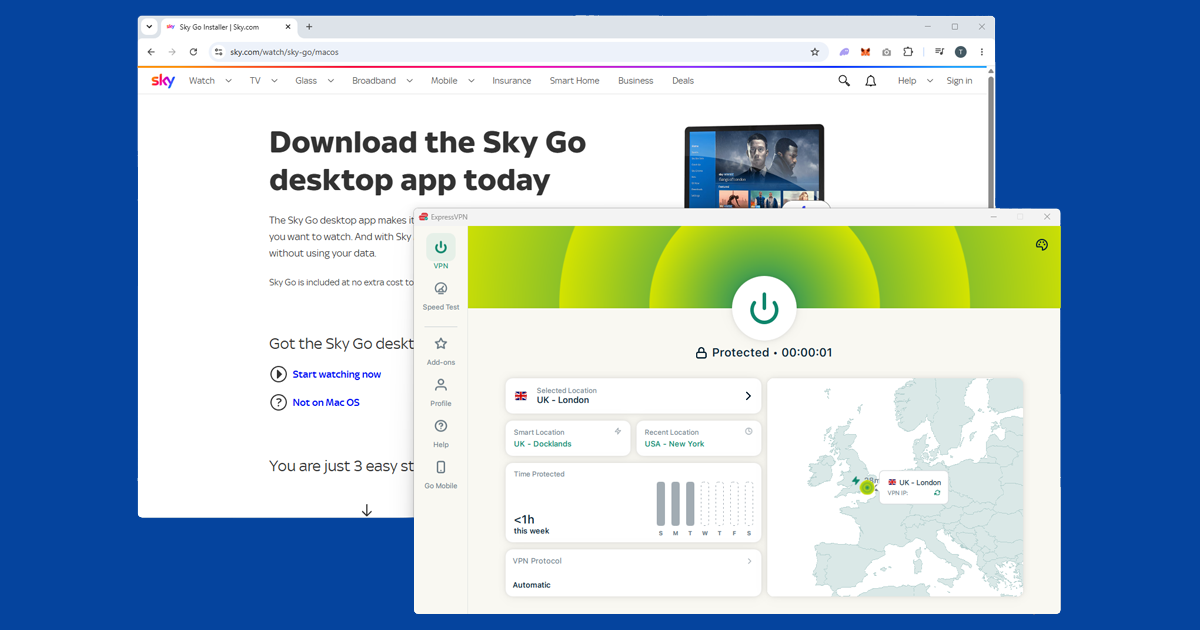
Sky Go often blocks VPN users because of the order things happen: if you open the app before your VPN is connected, Sky sees your real IP address and flags it. Always connect your VPN to a UK server first, then open Sky Go. If you've already opened Sky Go without the VPN on in this session, close the app completely, connect your VPN, and start again.
Fix 2: Switch to a different UK server
If Sky Go is still showing a location error, switch to a different UK server in your VPN app. Sky Go blocks known VPN IP addresses and updates its blocked server list regularly. Try a few different servers before moving on to other fixes.
Worth knowing: servers marketed as "streaming-optimised" are often the first ones Sky Go identifies and blocks, because they attract the most VPN traffic. General-purpose UK servers tend to be more reliable for Sky Go. Start with London, then try Manchester, Edinburgh, or Birmingham if London is blocked.
NordVPN and ExpressVPN both maintain large UK server pools and regularly swap out blocked addresses, which is why they tend to be more reliable for Sky Go than smaller providers.
If your VPN drops mid-session, it might reconnect to a non-UK server without telling you, which triggers a location error mid-stream. Your VPN's kill switch prevents this: if the connection drops, the kill switch pauses your internet until you're back on a UK server.
Fix 3: Check your Sky account settings
Sky Go ties access to your Sky subscription, so it's worth logging in at sky.com and checking your billing address is still set to UK. Go to your Account and look at your personal details and billing address. If anything has changed or been flagged, update it back to your UK address. If Sky has restricted your account, contact Sky customer support directly. It only takes a couple of minutes and rules this out.
Fix 4: Clear your sky.com cookies
If you've visited sky.com before without a VPN, your browser may have stored location data from that session. The Sky Go app uses your sky.com login, so those cached cookies can cause sign-in problems even when your VPN is on and showing a UK location.
Clearing your sky.com cookies specifically fixes this without logging you out of other sites. Here's how to do it in each browser:
- Chrome: SettingsPrivacy and securityCookies and other site dataSee all site data and permissions, search for sky.com and remove.
- Firefox: hamburger menuSettingsPrivacy & SecurityManage Data, search for sky.com and remove.
- Safari: SafariSettingsPrivacyManage Website Data, search for sky.com and remove.
- Edge: three-dot menuSettingsCookies and site permissionsManage and delete cookies and site data, search for sky.com and remove.
After clearing cookies, connect your VPN to a UK server, sign back into sky.com, then open the Sky Go app.
Fix 5: Make sure you're using the Sky Go app
Sky Go no longer works in a web browser. You need the dedicated app to watch anything. If you've been trying to stream through a website, that's why it isn't working.
On a laptop or desktop, download the Sky Go app from the Sky website, install it, and sign in with your Sky iD. On iPhone or iPad, it's in the App Store. On Android, it's on Google Play. Before opening the app, make sure your VPN is already connected to a UK server.
If you're getting a location error after signing into the app, sign out, confirm your VPN is still connected to a UK server, then sign back in. The app checks your location at login, so starting a fresh session with the VPN on often clears the block. On mobile, make sure you're using the full VPN app rather than a browser extension: extensions only protect browser traffic and won't cover the Sky Go app.
Fix 6: Check your VPN is showing a UK location (and run a DNS leak test)
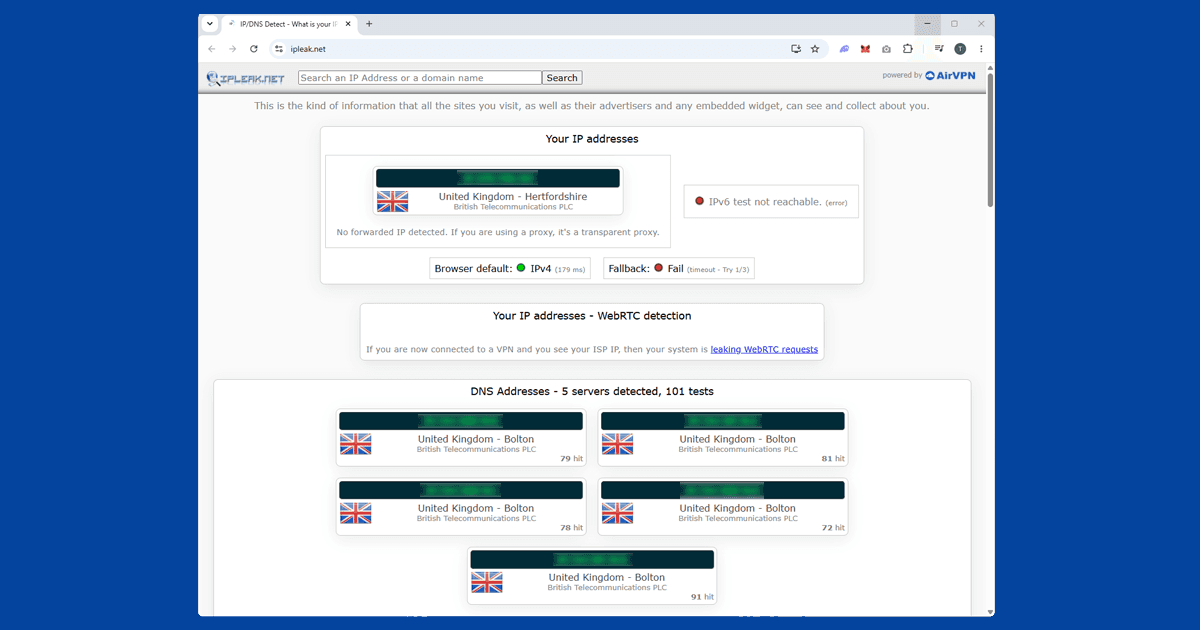
If you've worked through the fixes above and Sky Go is still blocking you, take thirty seconds to confirm your VPN is actually doing its job. Open our IP address checker with your VPN switched on. If it shows a UK location, your IP is fine and something else is causing the block. If it shows your real location, switch to a different UK server and check again.
If the IP checker shows UK but Sky Go is still blocking you, run a DNS leak test. A DNS leak happens when your device's lookup requests slip outside the VPN tunnel and reveal your real location, even though your IP address looks correct. If your home internet provider shows up in the results, go into your VPN app's settings, enable DNS leak protection, reconnect, and try Sky Go again. Still stuck? Our recommended VPNs covers options that keep up with Sky Go's detection.
If your VPN won't connect at all
Everything above assumes your VPN is already connected but Sky Go is showing a location error. If your VPN itself isn't connecting, that's a different problem: some networks (corporate wi-fi, hotel networks, and networks in certain countries) block VPN traffic at the firewall level before it can get through.
In that case, try switching your VPN protocol to OpenVPN TCP on port 443, or Lightway in ExpressVPN. These are harder for firewalls to block. Switching protocols changes how your traffic looks to a firewall, but it won't change your IP address, so it won't fix a Sky Go location error on its own.
Fix 7: Sky Go on a smart TV, console, or streaming device
Sky Go works on more devices than most UK streaming services, including certain Samsung and LG smart TVs, PlayStation (4 and 5), and Xbox. If you have a Sky Stream puck or a Sky Glass TV, your Sky channels should work natively when you're logged into your Sky account: no VPN needed for those.
Sky Go isn't available on Fire TV Stick or Android TV. If you're trying to use it on one of those, your best option is casting from a phone or laptop that has the VPN running, or switching to a Sky-supported device.
On PlayStation and Xbox, the VPN needs to be set up at the router level, since consoles don't support VPN apps directly. On most smart TVs, the same applies: install the VPN on your router to cover the TV's traffic, or share a VPN connection from a laptop as a wi-fi hotspot. Alternatively, open Sky Go on a VPN-connected laptop and cast the tab to your TV via Chromecast or AirPlay.
What's on Sky Go
Sky Go gives you access to your Sky TV subscription on other devices, so what's available depends on which Sky channels you subscribe to. That typically includes Sky Sports (Premier League, Champions League, Formula 1, golf, and cricket), Sky Cinema (new releases and a back catalogue of films), Sky Atlantic (HBO co-productions including Game of Thrones, Succession, and House of the Dragon), Sky Comedy, Sky Documentaries, Sky Crime, and live news. Sky Go also includes live TV and catch-up: if a match or show has aired on one of your Sky channels, you can watch it back. The app supports downloads for some content, so you can save shows before you travel.